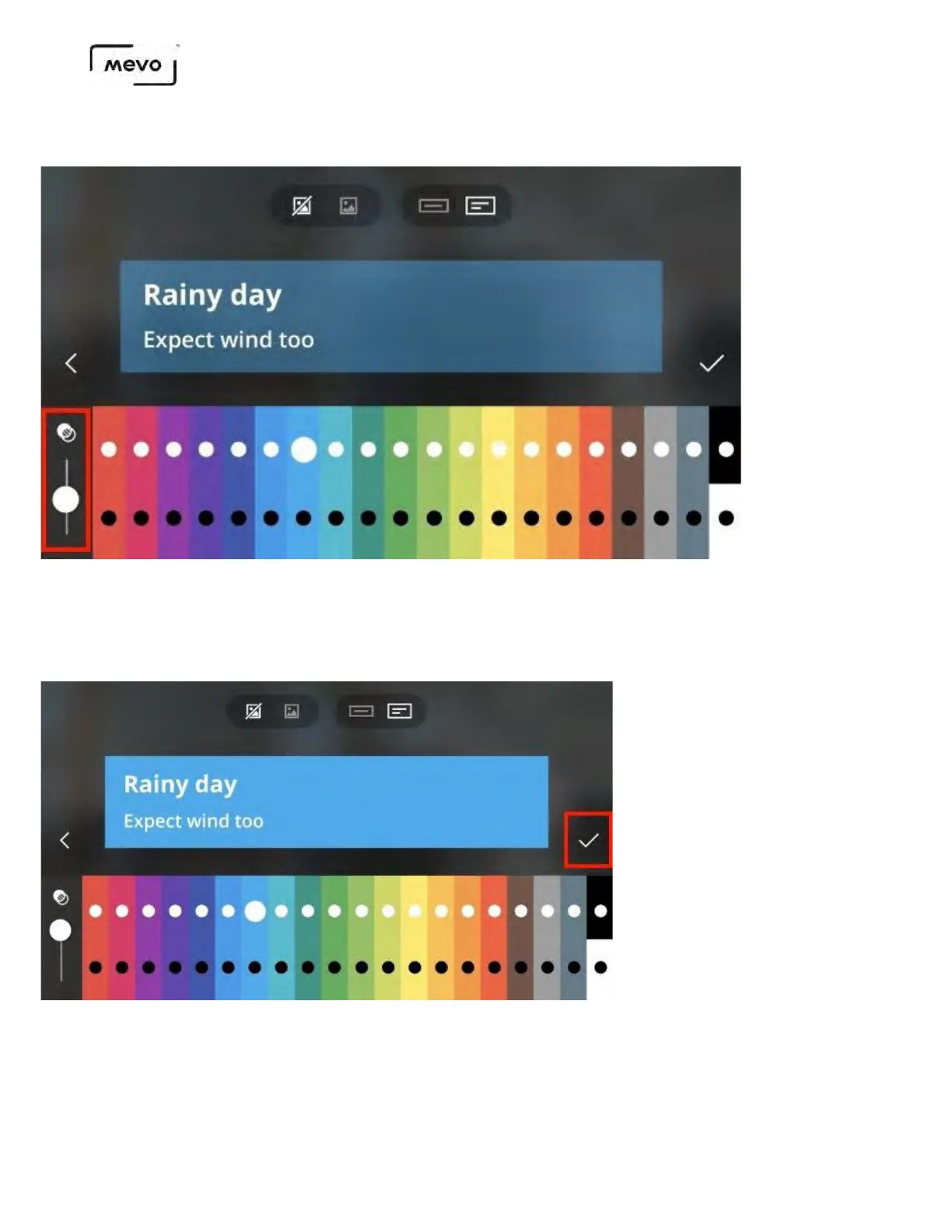
In addition, you can adjust the opacity of your background color by using the slider on the far left side.
With your desired appearance set, tap the lines and type in your desired text. When you are done, tap the
checkmark on the right side.
You cannot change your overlay once you tap the checkmark. Be sure you are satisfied with your overlay
before saving it.
This will upload the overlay to your microSD card for storage. Once it's uploaded, it will be available in
the list page; tap the overlay to proceed.
Mevo Start User Manual
Page 129



 To Next Page