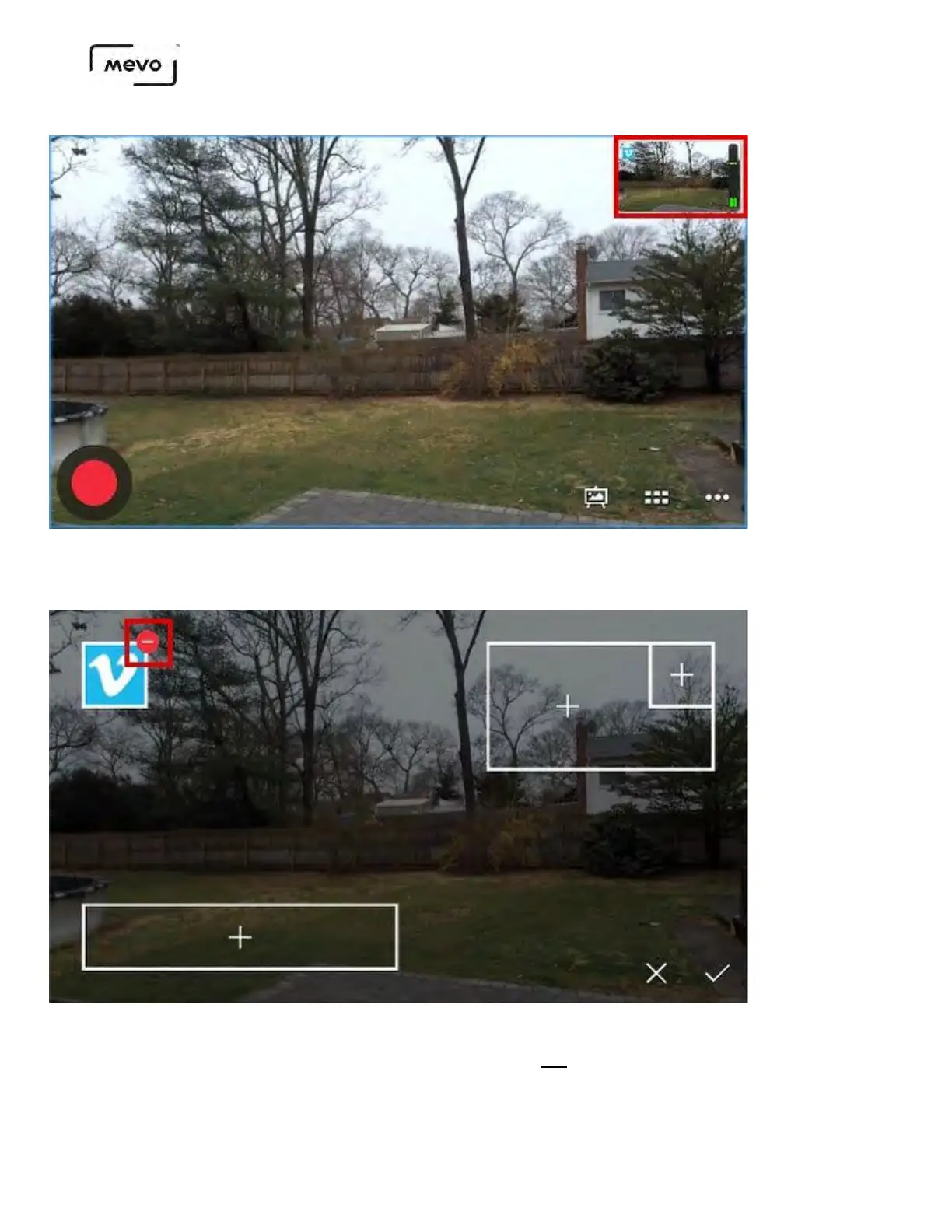
To remove the bug overlay from your output, tap the canvas icon. Then tap the red delete icon by
your corner bug, then tap the checkmark to confirm.
The bug will still be saved in the Mevo app on your microSD card, but will no longer appear in your
stream. Making these changes while broadcasting live will not interrupt your stream.
Mevo Start User Manual
Page 136



 To Next Page