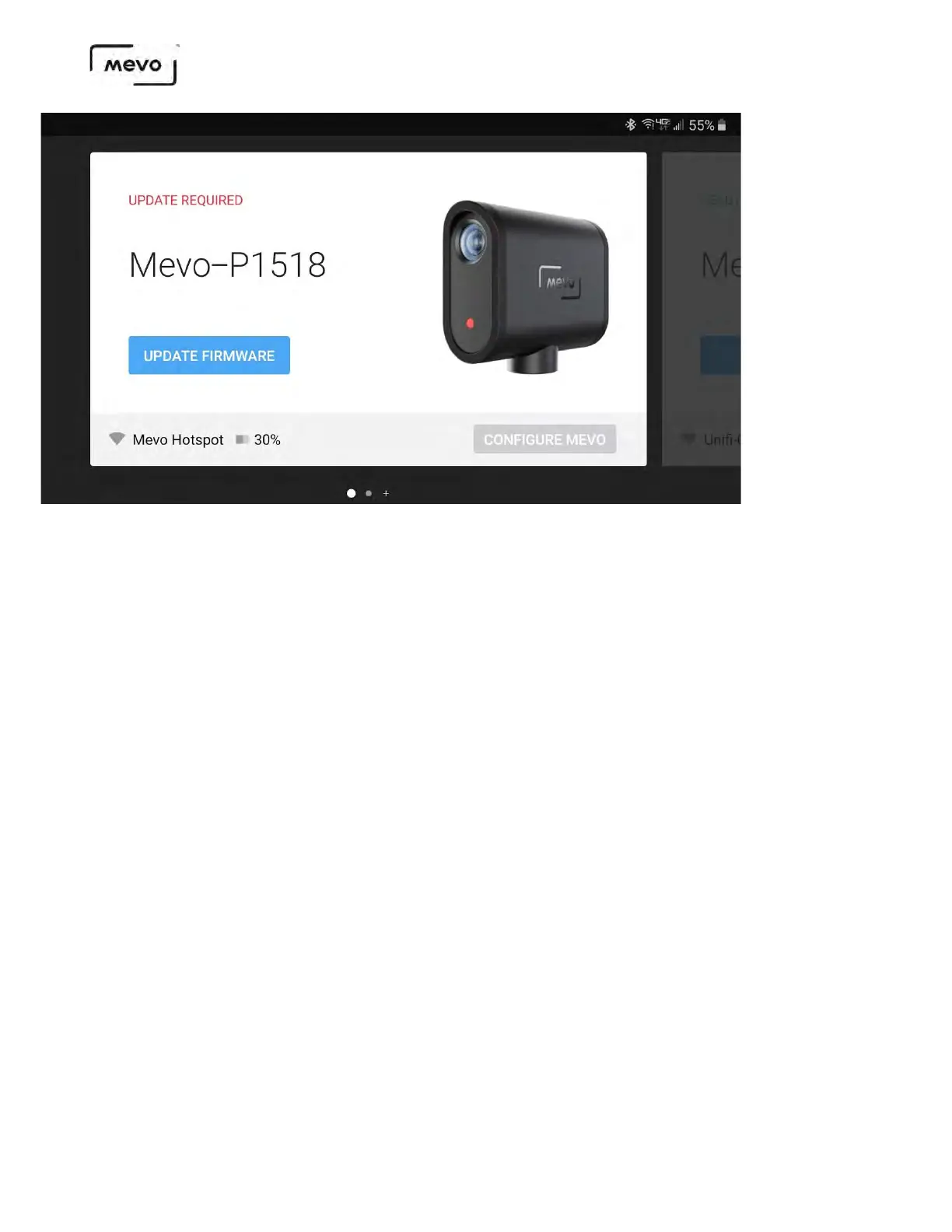
Some firmware updates will be required to proceed with using the cameras while others will be optional. In
either case it is recommended to use the most recent firmware version to avoid bugs from earlier versions.
The LED on the camera will begin blinking and the app will indicate the updates progress: downloading the
firmware to the device, uploading the firmware from the device to the camera, and then the camera running
the update. After the update is complete, the camera will restart.
Mevo Start User Manual
Page 26



 To Next Page