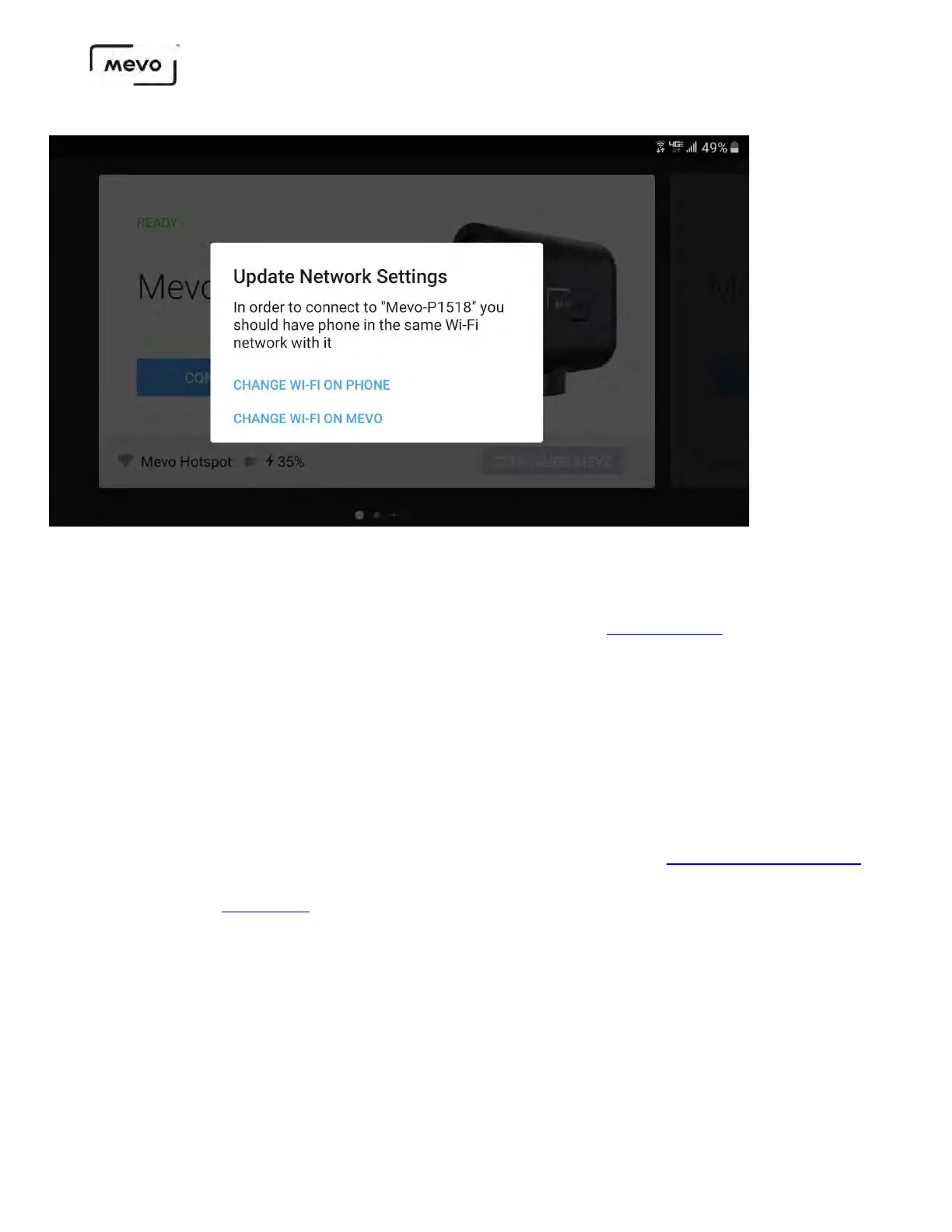
If your Mevo firmware update fails, here are some suggestions for troubleshooting:
• Keep both devices close to each other and make sure you are in hotspot mode and not using Wi- Fi.
Our testing has shown that hotspot mode is a more reliable connection for updating the camera's
firmware.
• Avoid performing the update in areas with many wireless devices (multiple routers, access points,
connected devices, etc.), as these could cause interference.
• Perform a hard reboot on the camera by holding down the power button for 30 seconds,
releasing it, then powering the camera back on.
• Turn on your mobile device's Airplane mode, then turn it off; this reset the devices Wi-Fi and
Bluetooth connections.
• If you are unable to use your camera after the firmware updates, try the Firmware Recovery tool.
• If you continue to have issues, or notice that the update fails immediately after pressing Update
Firmware, please contact us.
Mevo Start User Manual
Page 28



 To Next Page