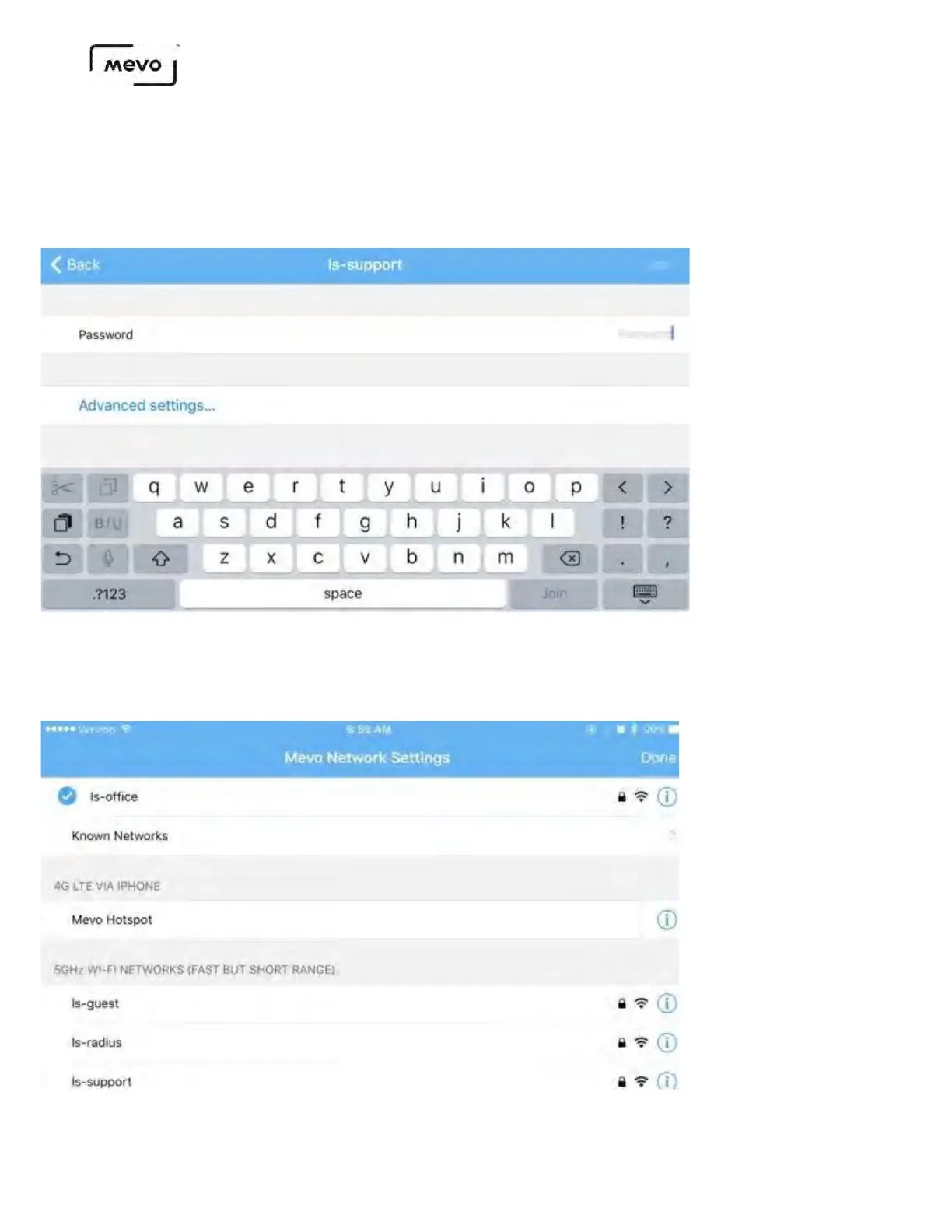
Enter the network's password (if necessary).
Mevo Start is compatible with networks whose passwords are a maximum of 63 characters long;
networks with longer passwords will not connect.
After a moment, your Mevo Start will be connected to your network. This will also be indicated by the
LED ring showing a solid green light above the bars icon on the back of the camera.
Tap Done, and the Mevo Start card will update its status again for a moment.
Mevo Start User Manual
Page 45



 To Next Page