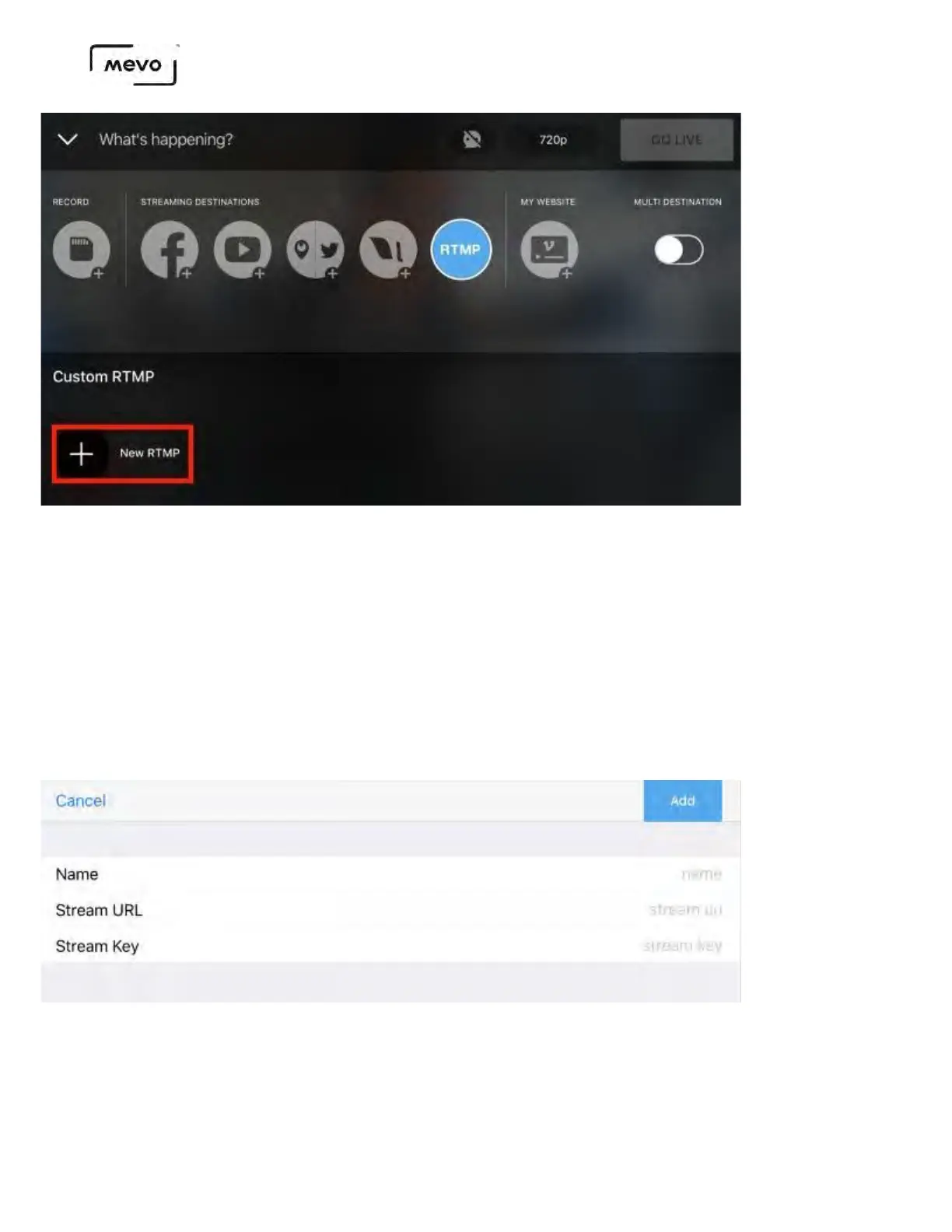
Give your streaming destination a unique name, then enter your provider's RTMP URL and Stream Key.
When you are done, tap Add.
At this time, Mevo does not support RTMP destinations that require authentication (i.e. a username and
password).
If your provider has a mobile app or mobile-friendly website from which you can find the URL and stream
key, you can save some time by copying and pasting them into their respective fields in the Mevo app.
Your RTMP provider will appear at the bottom of the screen; tap it to select it. You will notice the red
Go Live button will activate.
Mevo Start User Manual
Page 77



 To Next Page