Page 49
Electrical Installation
thermoMETER CTL
7.5.1 Entering of the Calibration Code
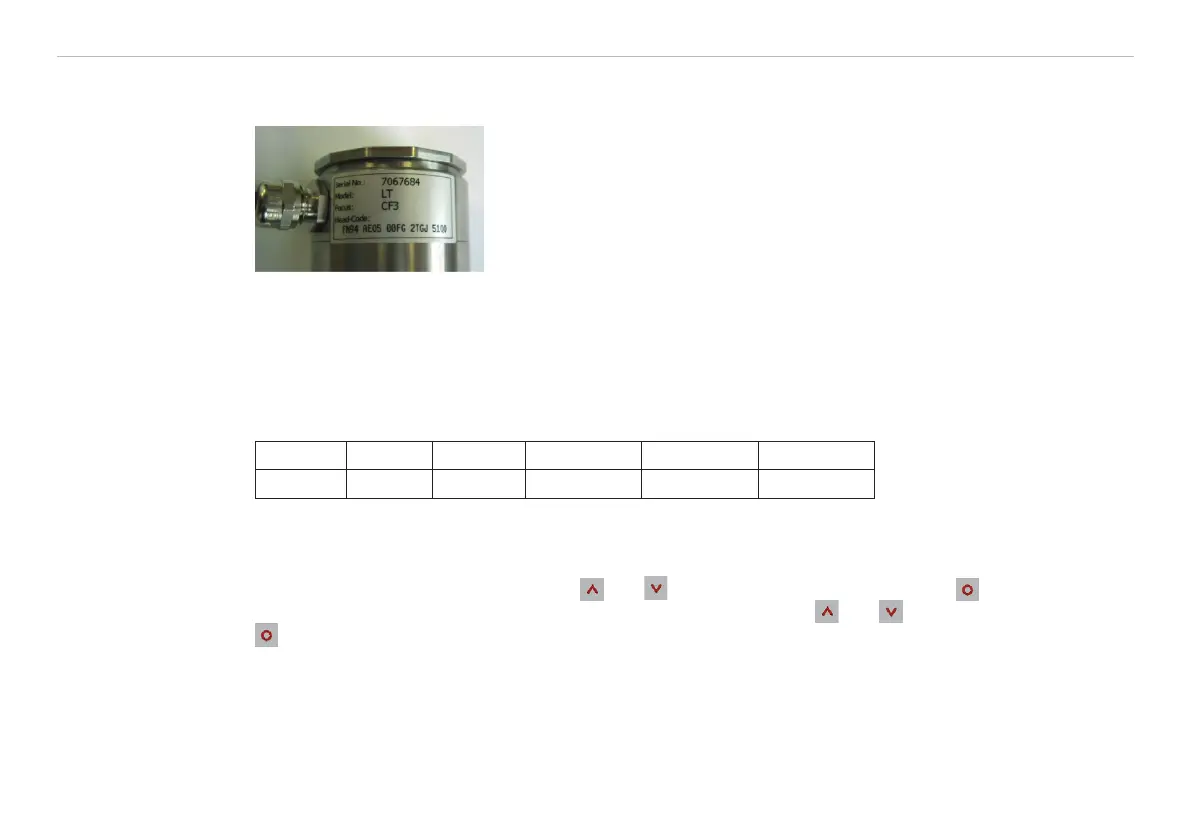
Every sensor has a specific calibration code, that is clearly printed on a label on the sensor, see Fig. 14.
Fig. 14 Calibration code
i
Please do not remove this label or make sure the code is noted anywhere. The code is needed if the
sensor has to be exchanged.
Every sensor has a specific calibration code, which is printed on the sensor. For a correct temperature mea-
surement and functionality of the sensor this calibration code must be stored into the controller.
The calibration code consists of five blocks with 4 characters each.
Example: EKJ0 - 0OUD - 0A1B A17U 93OZ
block 1 block 2 block 3 block 4 block 5
i
After exchanging a sensor the calibration code of the new sensor must be entered into the controller.
For entering the code, please press the
and -Taste (keep pressed) and then the key, see Fig. 30.
The display shows HCODE and then the 4 signs of the first block. With
and each sign can be changed.
switches to the next sign or next block.


 To Next Page