Page 67
Outputs and Inputs
thermoMETER CTL
8.2.7.2 Installation of the Ethernet Adapter in a Network
First connect the PC to the Internet.
Please install the CompactConnect software CD, see 11.
If the autorun option is activated the installation wizard will start automatically. Otherwise please start CDset-
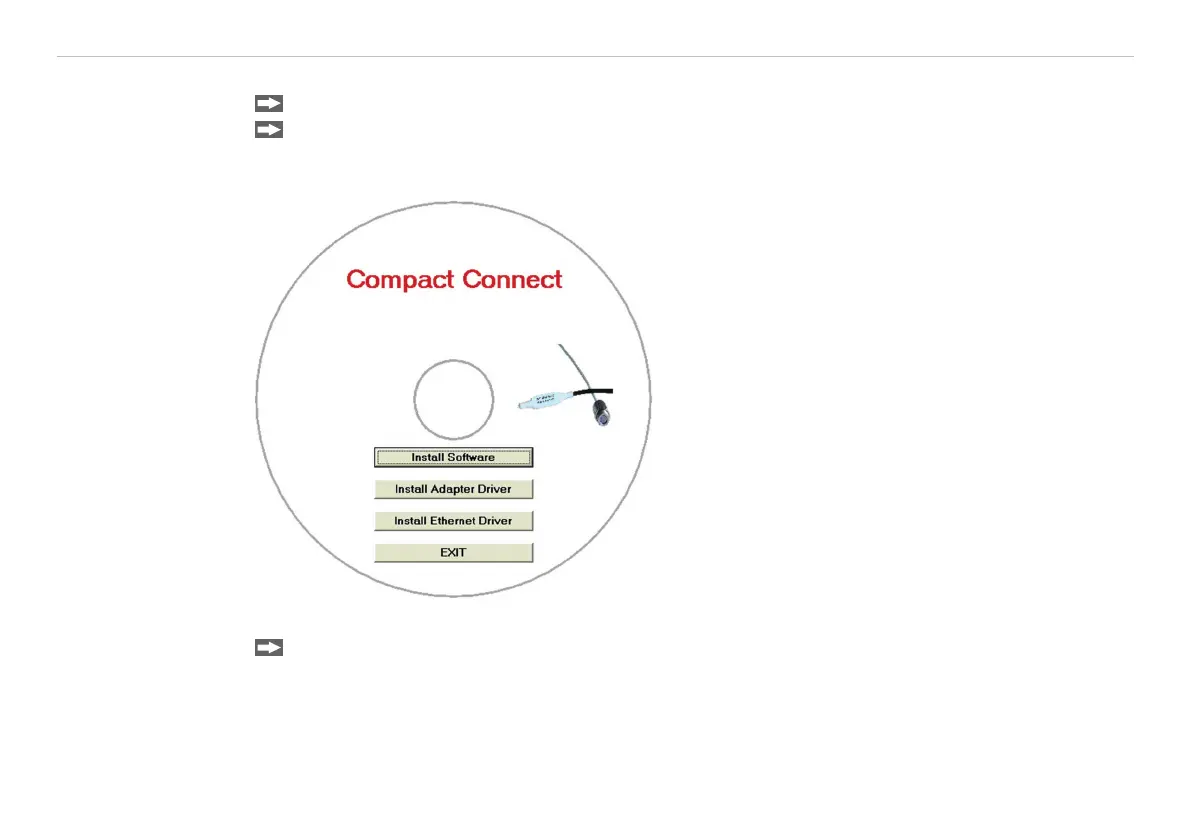
up.exe from the CompactConnect software CD. The following screen will appear, see Fig. 26.
Fig. 26 View CompactConnect CD-ROM
Now install the device driver by selecting Install Ethernet Driver.


 To Next Page