SediGraph III 5120 Installation Installing the 5120 Analysis Program
Mar 2010 13
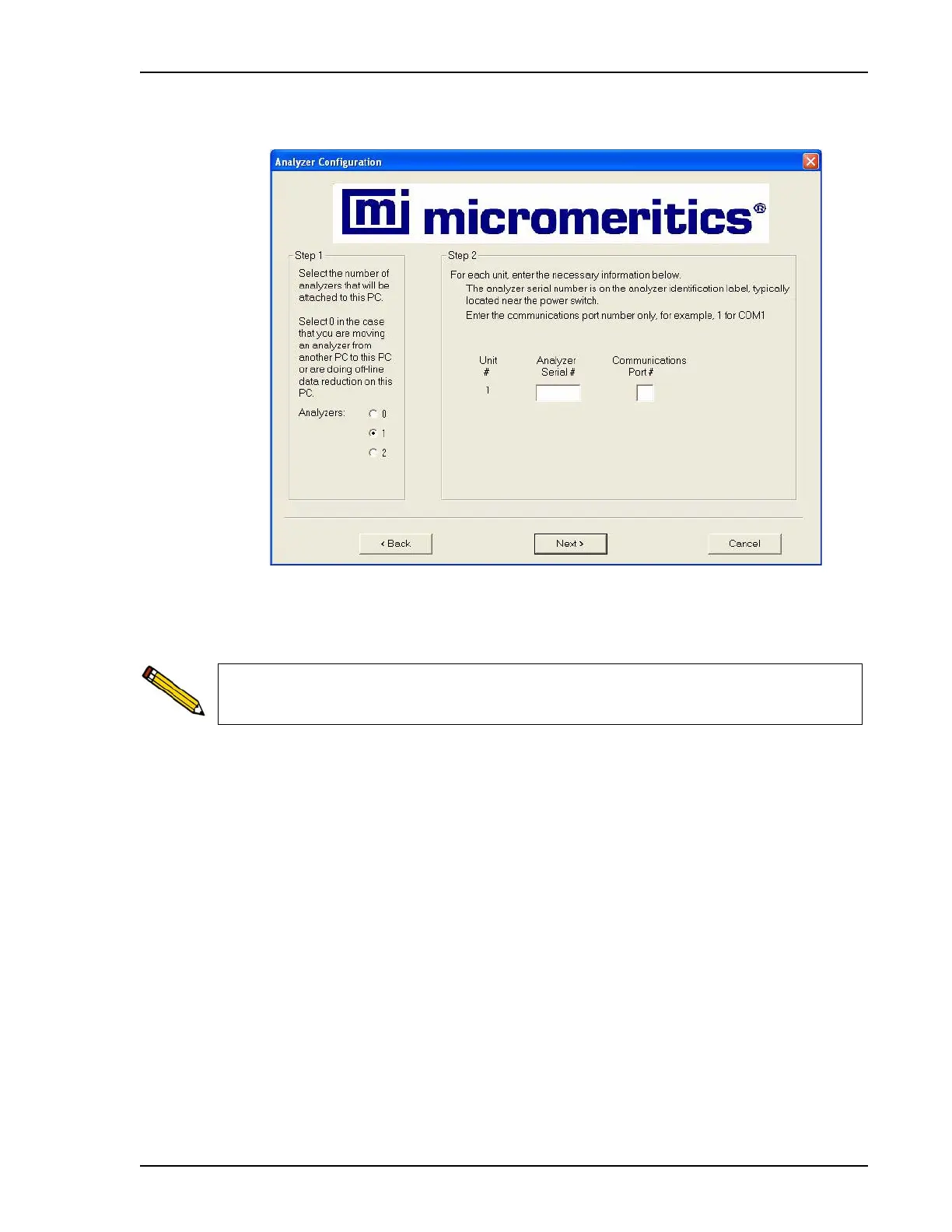
9. Click Next; the Analyzer Configuration dialog is displayed.
10. In the Step 1 group box, click the radio button for the number of analyzers to be attached
to this computer.
11. In the Step 2 group box, enter the serial number(s).
12. Enter the communications port(s) for the analyzer(s) you are attaching to this computer in
the Communications Port # field.
Choose 0 (zero) if you are installing this program for data reduction on a computer
other than the one controlling the analyzer.



 To Next Page
 Loading...






