SediGraph III 5120 Installation Installing the 5120 Analysis Program
Mar 2010 15
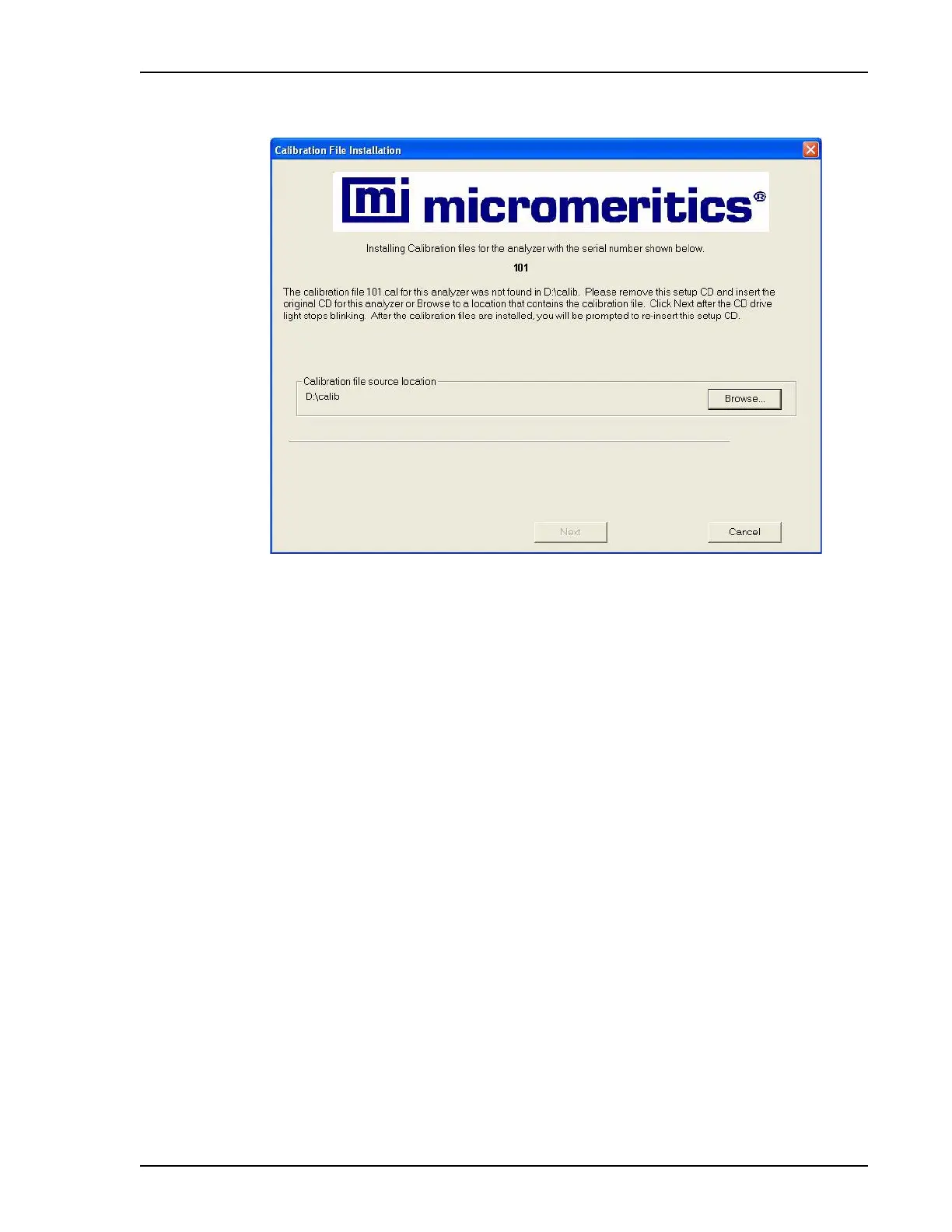
c. Remove the current setup CD and insert the CD containing the calibration files in
the CD-ROM drive.
d. When the CD drive light stops blinking, press
Finish.
e. The files are loaded, then this message is displayed:
Since the calibration files for analyzer (serial number) were on a separate CD
please remove the calibration CD for (serial number) and insert the original
setup CD.
Remove the CD and insert the original setup CD in the CD-ROM drive, then press
OK.
15. The Calibration File Installation dialog for the second analyzer is displayed.
Repeat steps 14 a or 14 b through 14 e, then proceed to step 16.


 To Next Page
 Loading...






