26
15. About: Display the version information and serial number of the machine.
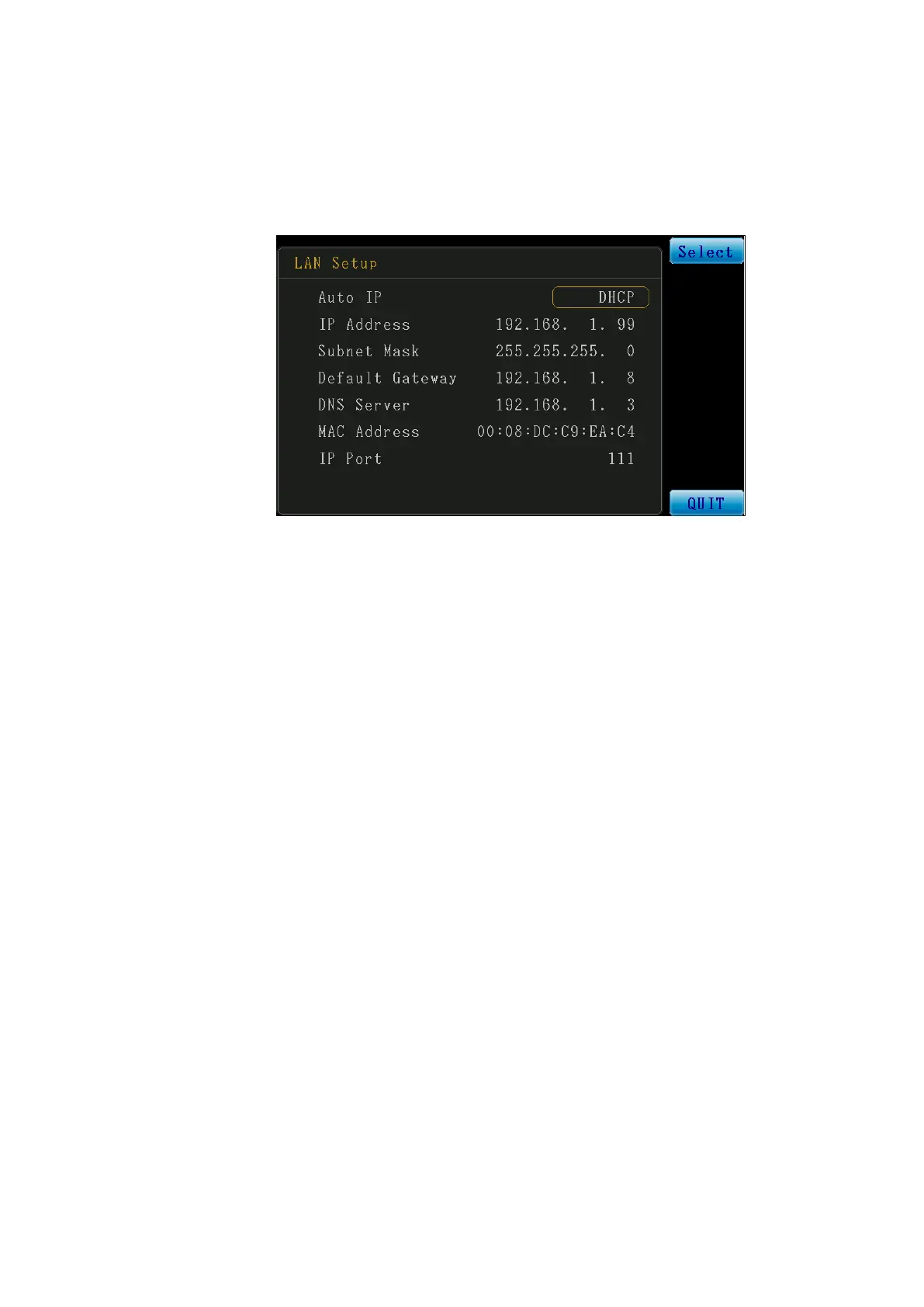
16. LAN Set: Local area network (LAN) communication interface setting.
※ To allow the instrument to communicate through the local area network (LAN),
the network cable must be connected and its IP address must be configured.
Figure 3-2-3 LAN Setup
Auto IP: Set whether to acquire the IP automatically or configure manually.
DHCP: Acquire the available IP address automatically though the DHCP
server.
※ When this setting is used, no other fields need to be set, and therefore the
cursor cannot move down.
OFF: Configure the IP Address, Subnet Mask, and Default Gateway, etc.
manually.
IP Address: IP address setting field.
Subnet Mask: Subnet mask setting field.
Default Gateway: Default gateway setting field.
DNS Server: DNS server setting field.
MAC Address: MAC address display.
IP Port: Communication port fixed at 111.



 To Next Page