34
Multi-Step Mode Edit:
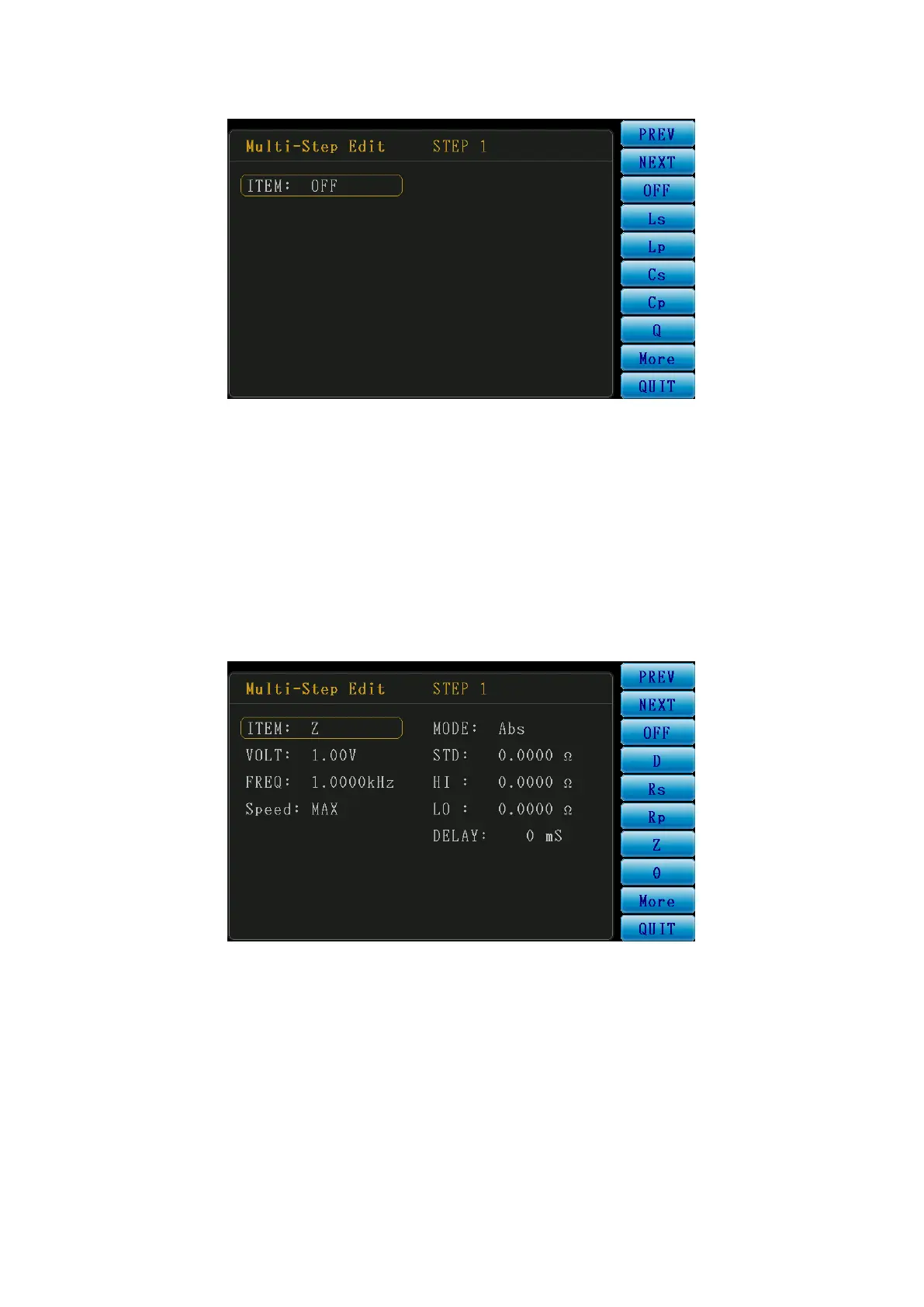
Figure 3-4-3 Multi-Step Mode Edit Screen
The area marked “Multi-Step Edit” is the edit area. STEP 1 on the left means currently, the user is
about to edit the first test item. Then the user can use direction keys (i.e. function keys on the right)
to edit the desired test items and conditions.
In this screen, ITEM is OFF. The user can select the test parameter from the right to enable this test
item, as shown in the following figure.
Figure 3-4-4 Multi-Step Mode Edit Screen
Quick Menu:
PREV: Switch the page to the previous test step.
NEXT: Switch the page to the next test step.
QUIT: Exit edit and return to the Multi-Step Mode list.



 To Next Page