Technical Information
34
CM6
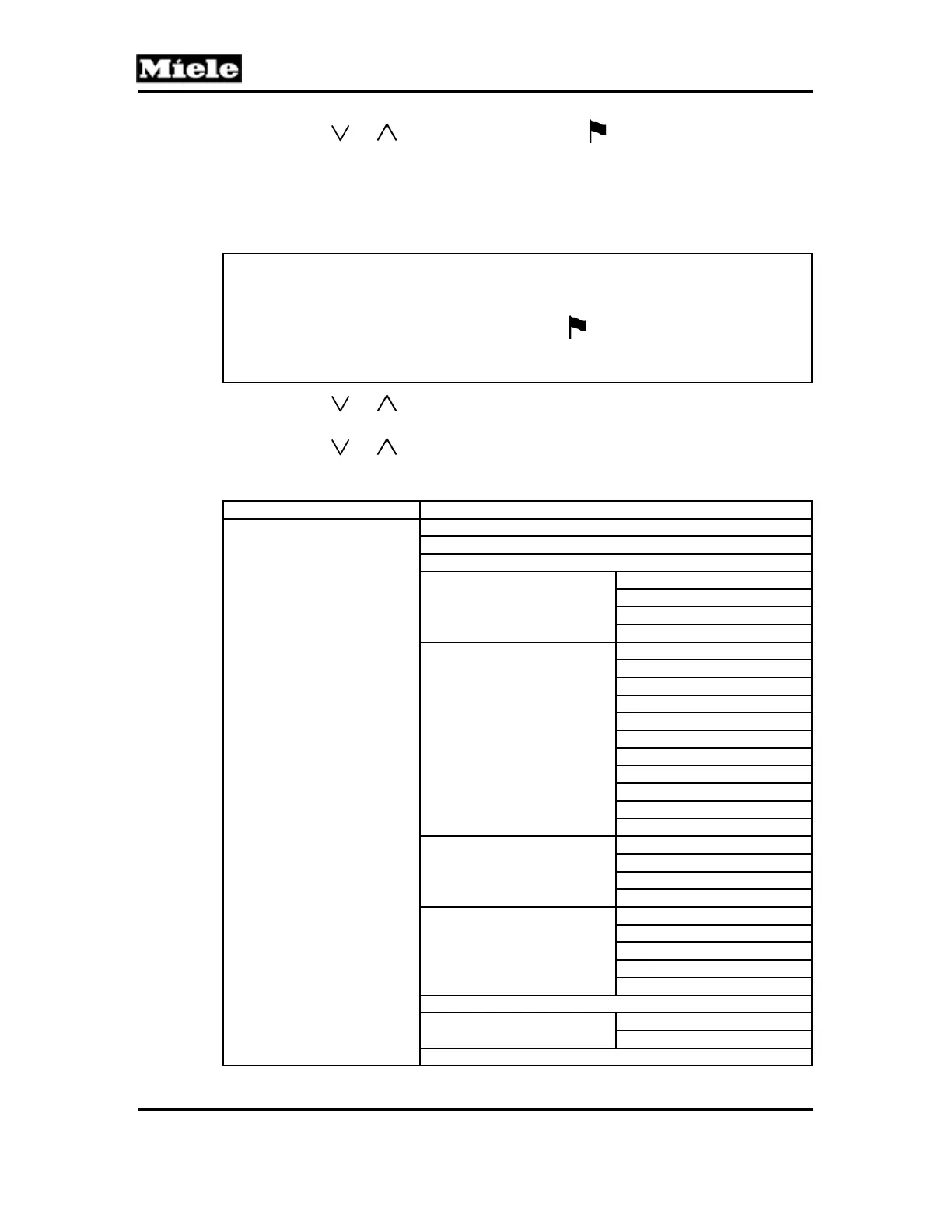
2. Press the or touchpad until Settings is marked.
3. Press the OK touchpad.
Acknowledgement indicator:
Settings is displayed.
Options:
Note:
If a selection is not made within 15 seconds, the appliance will
automatically go back one menu level.
If the language setting is incorrect, follow the
symbol to access the
language function.
The language setting remains as selected even if standard settings are reset.
1. Press the or touchpad until the desired function is marked.
2. Press the OK touchpad.
3. Press the
or touchpad until the desired setting is marked.
4. Factory settings are in bold.
Function Setting
Language
bahasa malaysia
cestina
dansk
deutsch
Deutschland
Luxemburg
Österreich
Schweiz
english
Australia
United Kingdom
Hong Kong
India
Ireland
Canada
Mexico
New Zealand
Singapore
South Africa
USA
espanol
Chile
México
Espana
EE UU
francais
Belgique
France
Canada
Luxembourg
Suisse
hrvatski
italiano
Italia
Svizzera
magyar



 To Next Page