Technical Information
37
CM6
Save and quit:
1. Press OK.
2. Press the
touchpad. The appliance is switched off.
Quit without saving:
Press the
touchpad. The appliance is switched off.
4.3 Service Programming
Initial requirements:
Switch the appliance off.
Accessing:
Note:
Accessing must occur within 2 seconds.
1. Press and hold the button.
2. Press the on/off button once.
3. Release the
button.
4. Press the
button 5 times; hold on the 5th time until Service
programming is displayed.
Acknowledgement indicator:
Service programming is displayed.
Options:
Note:
If a selection is not made within 15 seconds, the appliance will
automatically go back one menu level.
1. Press the or touchpad until the desired function is marked.
2. Press the OK touchpad.
3. Press the
or touchpad until the desired setting is marked.
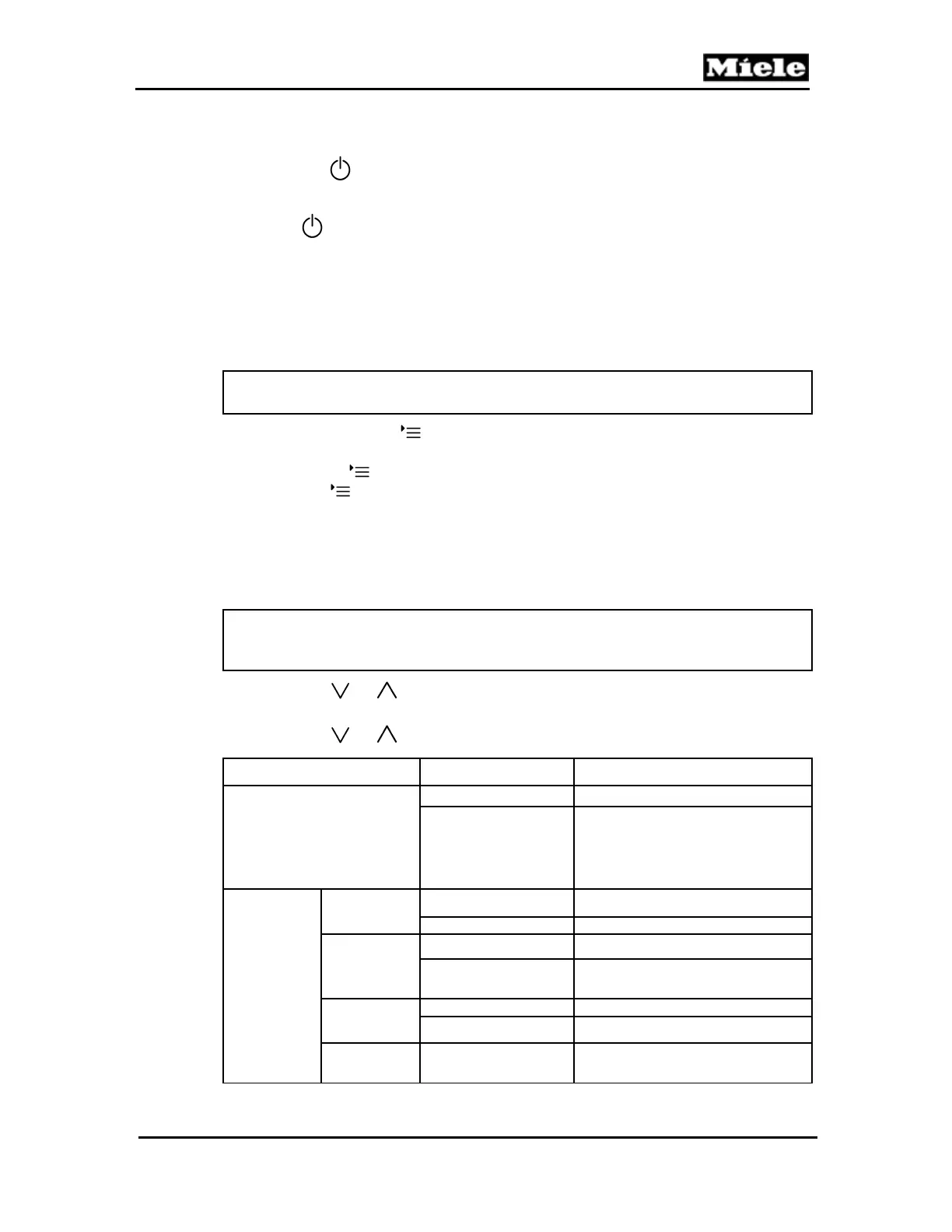
Function Options Description
Reset
Cancel Reset is not carried out.
Carry out a reset
All modified settings will be reset to
standard settings. The language
remains unchanged. The showroom
program remains unchanged. The
fault memory remains unchanged.
Service
Restart
Cancel Restart is not carried out.
Start again
Descale
1
Do not reset Descaling counter is not reset.
Reset
Descaling counter is reset. The lock is
lifted.
Degrease
the brew unit
2
Do not reset Degreasing counter is not reset.
Reset Degreasing counter is reset.
Clean milk
system
Do not reset Cleaning counter is not reset.



 To Next Page