Technical Information
38
CM6
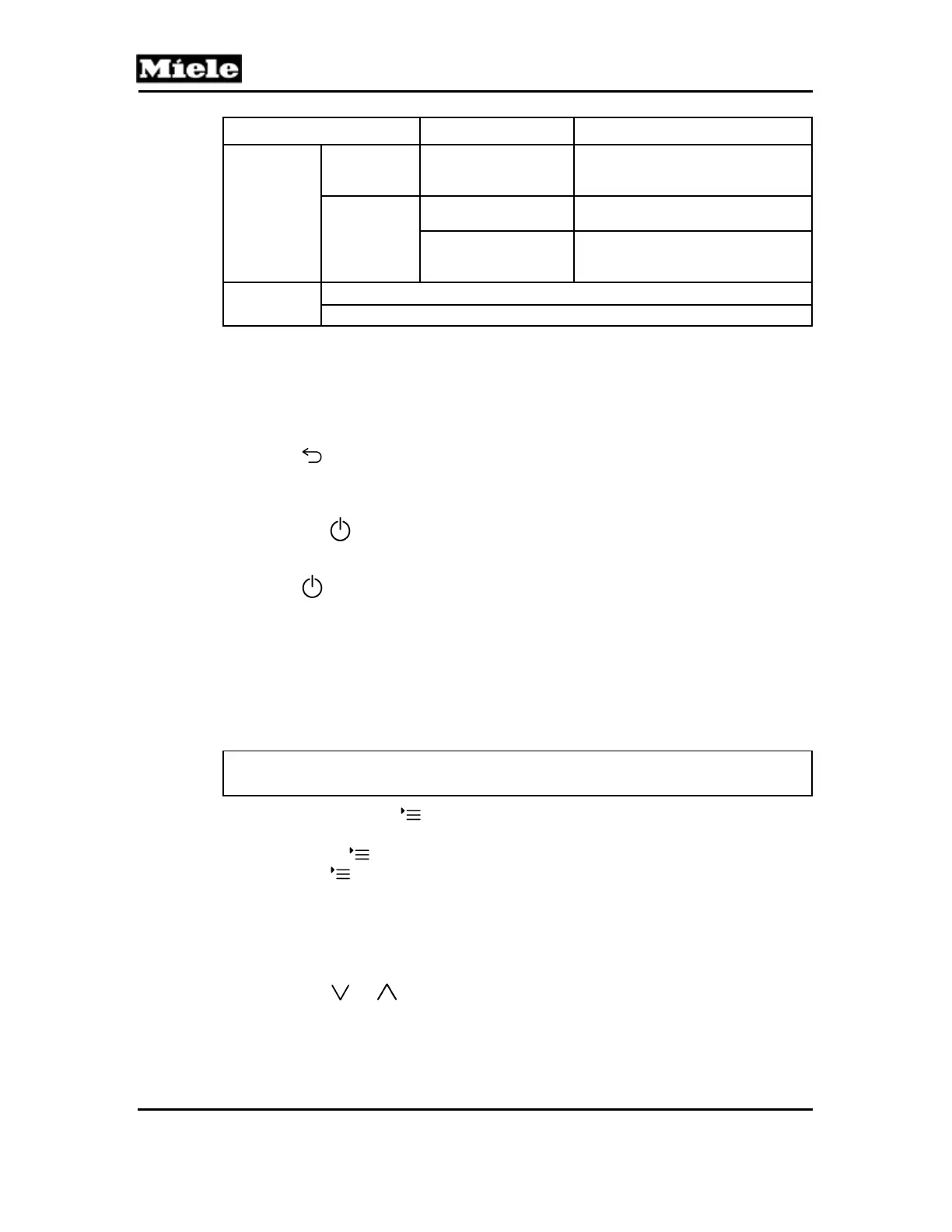
Function Options Description
Service
Clean milk
system
Reset
Cleaning counter is reset. The lock is
lifted.
Water flow
Normal
No. of portions until “50 portions until
descale” corresponds to Table C-3.
Halved
No. of portions until “50 portions until
descale” for the “Very hard” setting is
cut in half; see Table C-3.
Exit
Leave service mode
Cancel
Table 001-4: Service Programming
1
To avoid damage to the appliance, the machine should be descaled after service work has been
completed.
2
To avoid damage to the appliance, the brew unit should be degreased after service work has been
completed.
Back:
Press the
touchpad.
Save and quit:
1. Press OK. The function is carried out (or the setting is saved).
2. Press the
touchpad. The appliance is switched off.
Quit without saving:
Press the
touchpad. The function is not carried out (or the setting not saved). The
appliance is switched off.
4.4 Service Mode
Initial requirements:
Switch the appliance off.
Accessing:
Note:
Accessing must occur within 2 seconds. Do not press the buttons too quickly.
1. Press and hold the button.
2. Press the on/off button once.
3. Release the
button.
4. Press the
button again 3 times and hold on the 3rd time until the
service mode is displayed.
Acknowledgement indicator:
Service mode is displayed, along with the service functions.
Options:
1. Press the
or touchpad until the desired function is marked.
2. Press OK.



 To Next Page