Technical Information
39
CM6
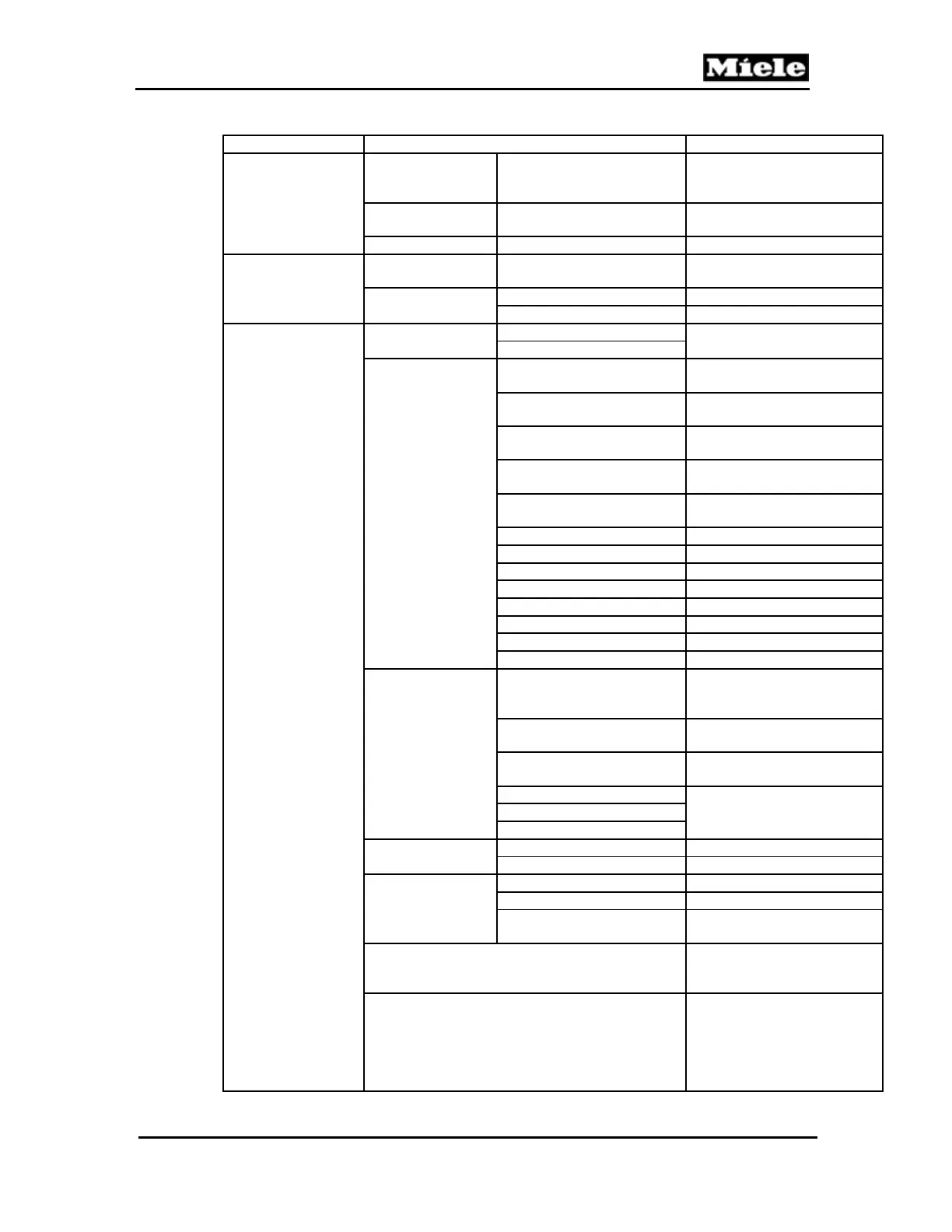
Function Options Description
Software version
EPB e.g., ID 03032 V5 Display/control
electronic EPB (N1-2) ID
number and version
EPL e.g., ID 03031 V4
Power electronic EPL (1N1-1,
2N1-1) ID number and version
LNG e.g., 5074 N/A
Fault memory
OK All logged faults are shown
(F0000 = no faults).
Delete Cancel Fault memory is not deleted.
Delete Fault memory is deleted.
Component (press
OK to start or stop
activation)
Lighting 1H3 + 2H3
(CM 63x0 only)
On Lighting is switched on and off.
Off
Ceramic valve M29
1
Initialize
Ceramic valve is moved
through all positions.
Step counterclockwise
Ceramic valve is moved
counterclockwise.
Step clockwise Ceramic valve is moved
clockwise.
Continuous counterclockwise
Ceramic valve is moved
continuously counterclockwise.
Continuous clockwise
Ceramic valve is moved
continuously clockwise.
Position 1 Not used
Position 2 Ventilation, hot water
Position 3 Hot water, steam, air
Position 4 Steam, air open (milk froth)
Position 5 Steam (hot milk)
Position 6 Reference, closed
Position 7 Coffee, decompression, pause
Position 8 Rinse, air
Brew unit M26
2
Initialize
Brew unit moves through all of
its positions and then back to
the home position.
Continuously upward
The brew unit is advanced to
the top end setting.
Continuously
downward
The brew unit is advanced to
the bottom end setting.
Home position Brew unit moves to the
appropriate position.
Drainage position
Compressing position
Grinder M25
On Grinder is switched on.
Off Grinder is switched off.
Pump M7
Phase chopping B3/4 ***
1/s
Pulse package B3/4 ***
1/s
Continuously ***
1/s. Pump is activated
continuously.
Emptying system
4
Empty the water tank or
remove it from the appliance.
Press the OK touchpad.
R1 (heater)
5
Press O
. R30-14 (heater
NTC) temperature is displayed.
Activate: Press OK. If the
NTC temperature increases,
the heater is in order.
Deactivate: Press OK again.



 To Next Page