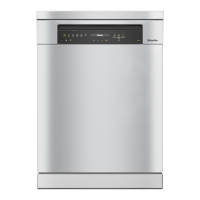
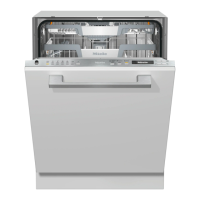
Guide to the appliance
20
Display functions
The display is used to select or set the
following:
- the programme
- the timer
- the Settings
The display can show the following:
- the programme stage
- the estimated time left for the
programme to run
- the energy and water consumption
(EcoFeedback)
- any relevant fault messages and
information
To save energy, the dishwasher
switches off after a few minutes if you
do not touch any sensors during this
time.
Touch the sensor to switch the
dishwasher back on.
The OKsensor is used to confirm a
message, setting or programme and
also to move to the next menu or
another level.
Under Further programmes/Settings
a scroll bar will appear in the right of
the display. This offers further options.
These options can be viewed using the
sensors.
You can alter the dishwasher’s controls
to suit changing requirements in the
Settings menu (see “Settings”).
The option that is selected will have a
tick next to it.
To exit a sub-menu, use the
Backsensor.
If you do not press any sensors for
several seconds, the display will revert
to the previous menu. You will then have
to enter your settings again.



 To Next Page