18
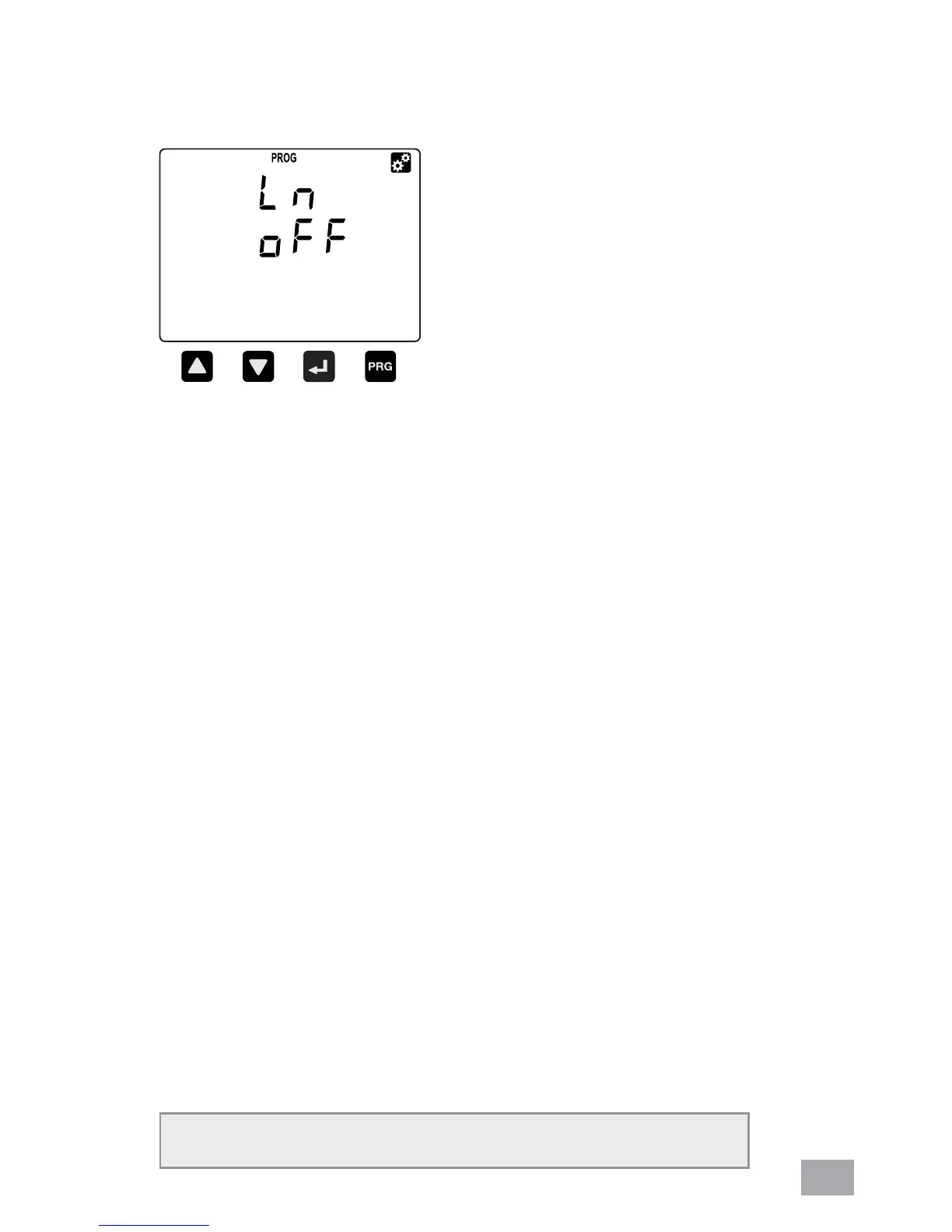
a. Scroll in programming mode until ”Ln“ is displayed using
the UP or DOWN button.
b. This parameter is to display neutral current if the neutral
current (Ln) is connected.
c. Press the NEXT button to change. The “PROG” symbol
will blink.
d. Press the UP or DOWN button to toggle the symbol “ON”
for enable or “OFF” for disable.
e. Press the NEXT button to confi rm the new setting.
f. To proceed to the next setting, press the DOWN button.
g. To exit programming mode, press the PROG button. The
user will be prompted to confi rm the saving of settings if
change is made. Refer section 6.16.
6.4. NEUTRAL CURRENT
NOTE: Neutral current default value is ON



 To Next Page