30
6.16. EXIT FROM PROGRAMMING MODE
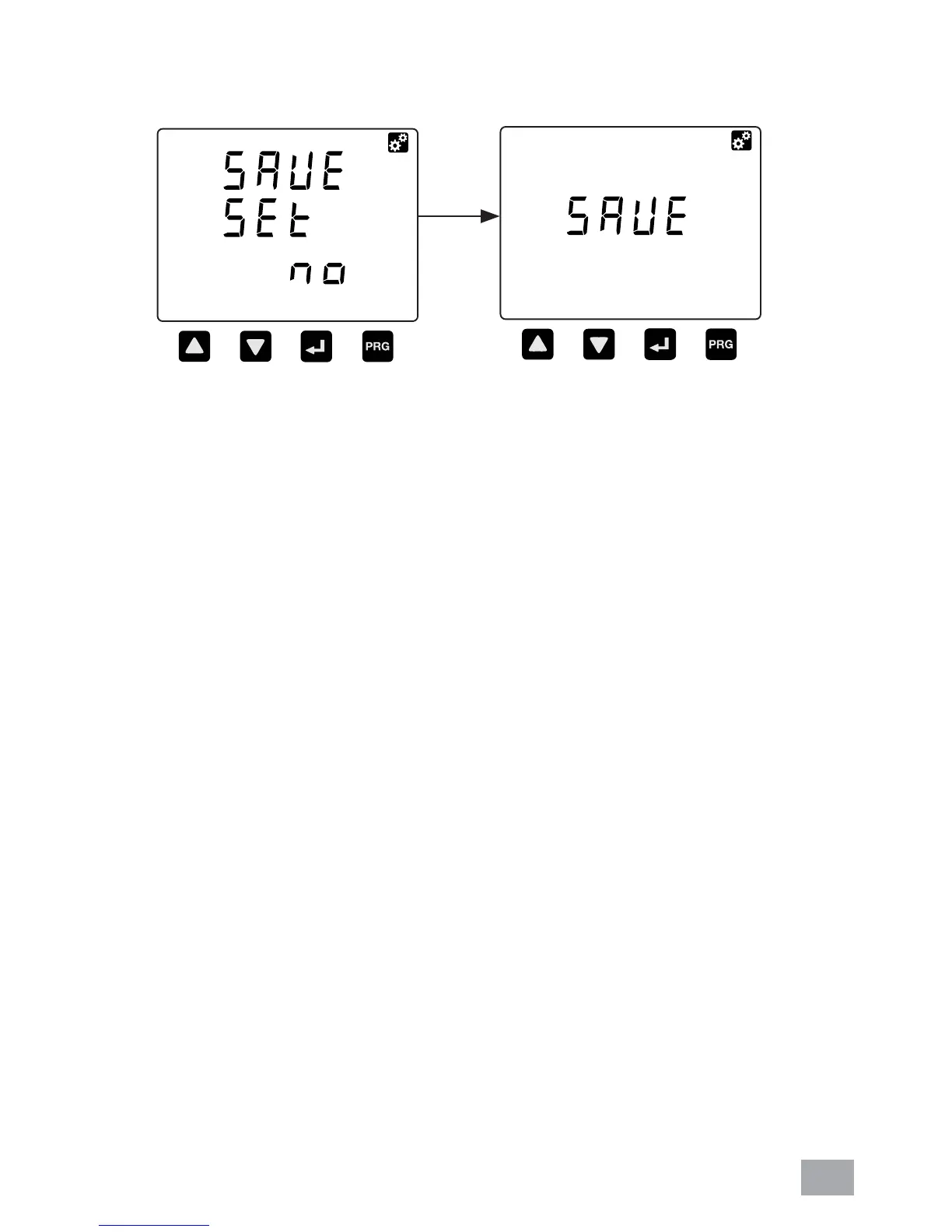
a. Use the PROG button exit from programming mode
window. Any changes made in the setting will be
prompted to confi rm saving. The “SAVE SET” display will
appear.
b. Use the UP or DOWN button to select “YES” or “NO”
symbols.
c. To exit without saving the new value, select “NO” or else
select “YES”. To confi rm, press PROG button.
d. If select “YES”, the window display “SAVE” for few
seconds to save new setting.
e. Then, meter will exit from programing mode to normal
mode.
If select
“Yes”



 To Next Page