31
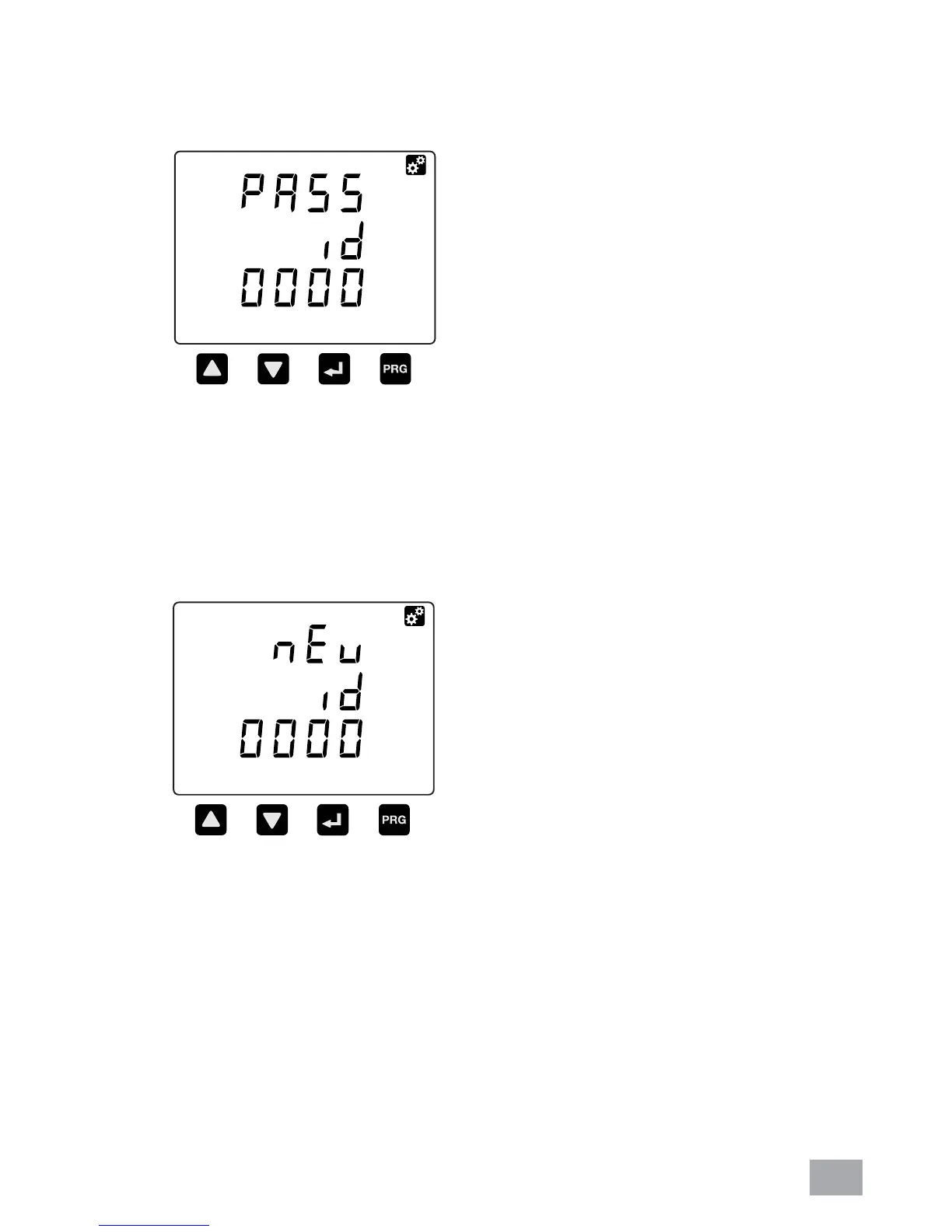
a. Press the NEXT and PROG buttons simultaneously until
the password ID request window is displayed. Key in the
current password. Refer to section 6.1 on how to do this.
b. After pressing the PROG button, the “new id” window will
be displayed. At this stage, the user needs to key in the
new password. Use the UP or DOWN button to change
the digit value and the NEXT button to shift to next digit.
Once confi rmed, press the PROG button.
6.17. SETUP THE PASSWORD



 To Next Page