EasyManua.ls Logo

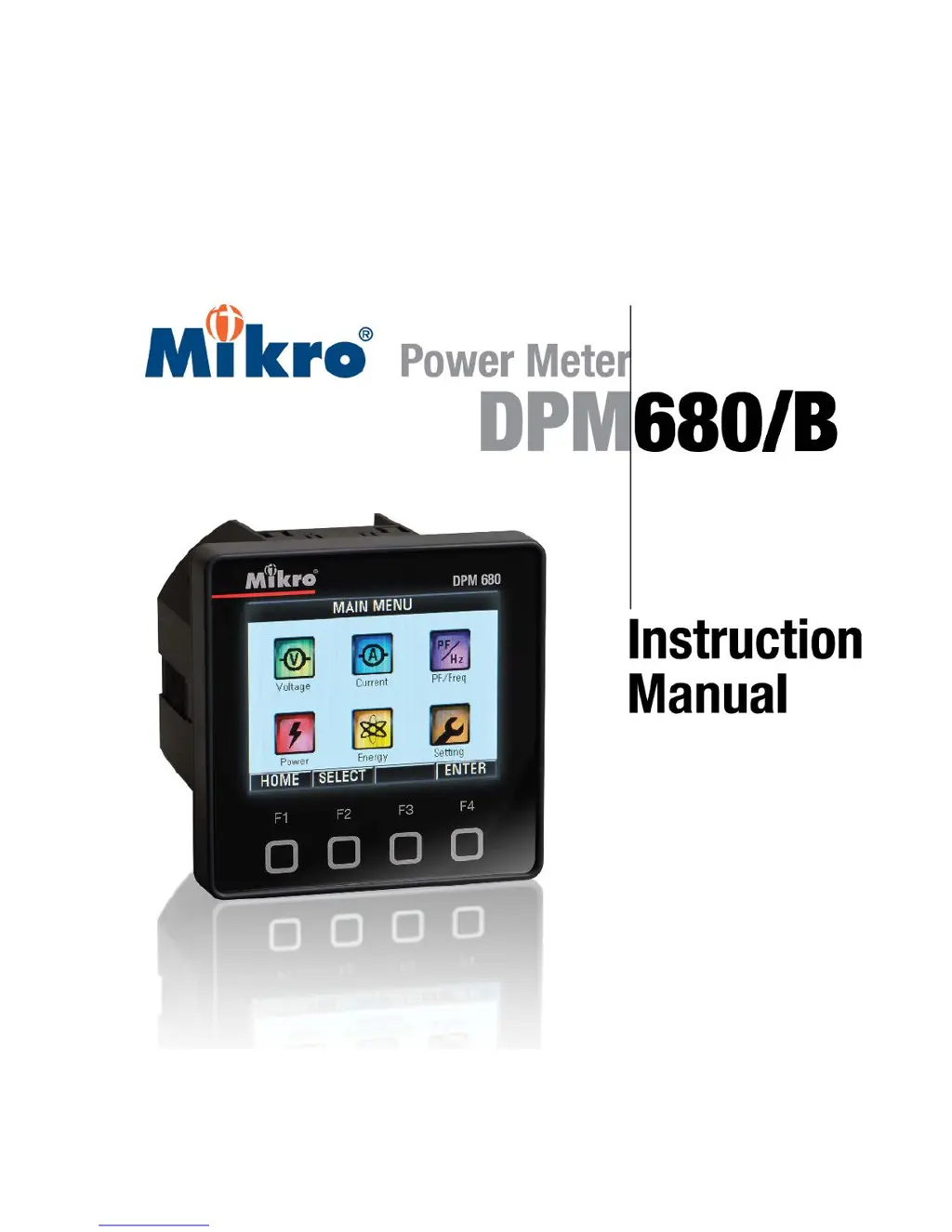
Mikro DPM680 - User Manual

Mikro DPM680
84 pages
Print Icon
To Next Page IconTo Next Page
Loading...

Table of Contents

Questions and Answers

  • W
    William JensenAug 2, 2025
    Why is my Mikro Measuring Instruments meter displaying unexpected values?
    • R
      rcopelandAug 3, 2025
      If your Mikro Measuring Instruments meter is showing unexpected values, phase order, or polarity, there are a couple of things to check. First, double-check the meter settings to ensure they are correct. Second, verify the connections, paying special attention to the polarity and phase order.
  • D
    David GreenAug 12, 2025
    What to do if my Mikro Measuring Instruments meter won't communicate with a remote terminal?
    • D
      Daniel HooperAug 12, 2025
      If your Mikro Measuring Instruments meter is unable to communicate with a remote terminal, consider the following potential causes: * Improper termination: Verify connections, especially the polarity. * Ensure the network terminator is correctly installed. * Incorrect settings: Verify both the meter settings and the network settings.
  • D
    David LarsenAug 22, 2025
    How to fix a Mikro Measuring Instruments LCD display that is not illuminating?
    • R
      Renee MooreAug 22, 2025
      If the LCD display on your Mikro Measuring Instruments is not illuminating, it could be due to a lack of power from the meter control power supply to the meter. Verify the meter control power connection to the meter, including checking the fuses.

Summary

2. INSTALLATION

Installation Precautions

Outlines essential safety measures and precautions before and during installation.

Meter Placement and Connection Guide

Provides guidelines for meter placement, environment, and wiring connections.

3. METER OPERATIONS

3.8 SETTING SUB-MENU

CT and VT Ratio Configuration

Allows setting of Current Transformer (CT) and Voltage Transformer (VT) ratios.

Communication Settings

Configuration options for Ethernet (TCP/IP) and Modbus communication.

4. WEBPAGE OPERATIONS

5. MODBUS OPERATIONS

Modbus Communication Protocol

Details accessing the meter via Modbus RTU or TCP/IP protocols.

6. TROUBLESHOOTING GUIDE

Common Problems and Solutions

Provides a troubleshooting table for common meter issues and their resolutions.

APPENDIX A: SPECIFICATIONS

Mikro DPM680 Specifications

General IconGeneral
BrandMikro
ModelDPM680
CategoryMeasuring Instruments
LanguageEnglish

Related product manuals