20
TouCH BuTTon funCTions:
• to select the parameter page of interest,
touch either the UP (F2) or DOWN (F3)
button until the item of interest is highlighted
(within a dashed rectangular box and a RED
dot to its left).
• to conrm this selection, touch the ENTER
(F4) button.
• to return to the MAIN MENU, touch the
BACK (F1) button.
3.3
VolTaGE suB-MEnu
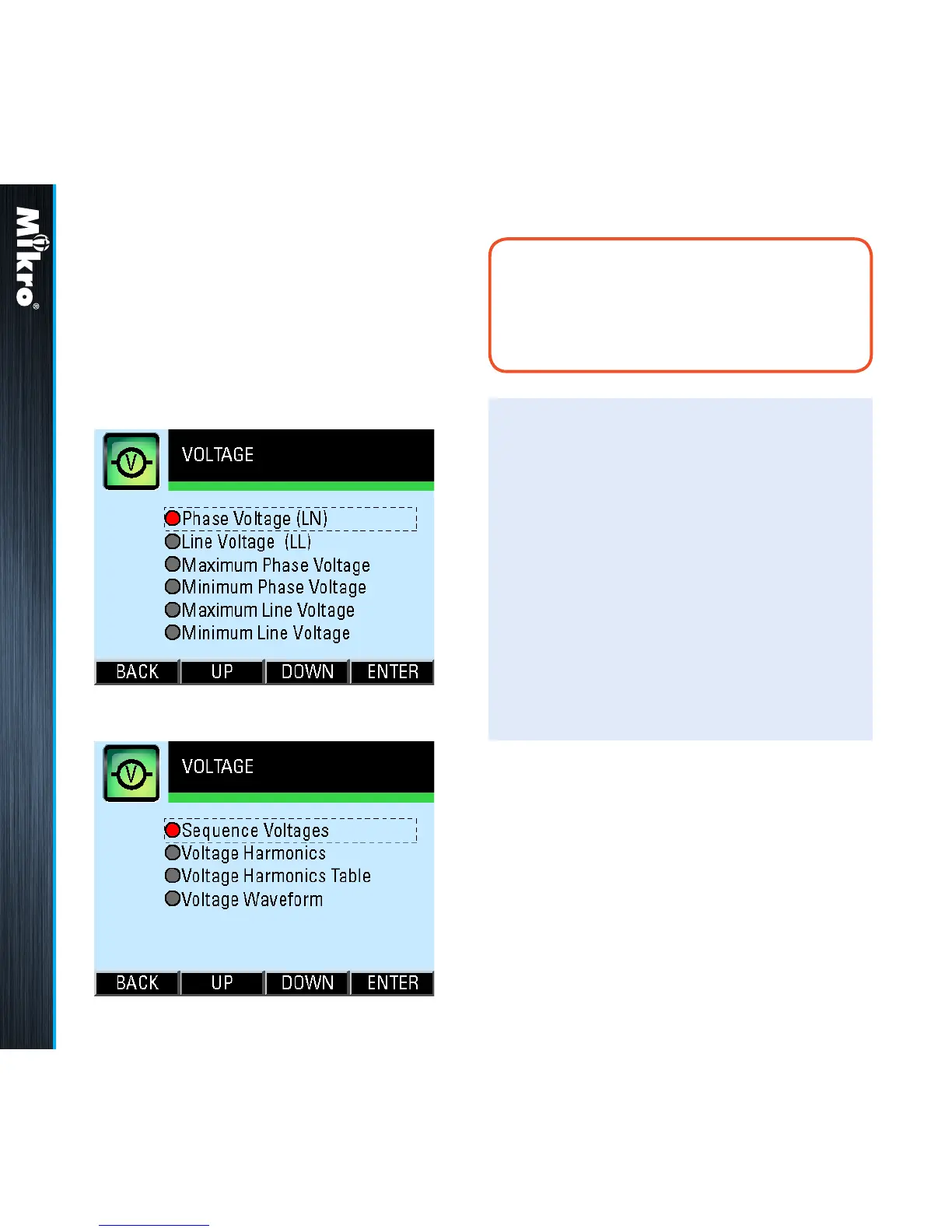
The VOLTAGE sub-menu allows the selection of
voltage parameter pages as shown in Fig 18 and
its continuation in Fig 19:
Fig 18 : VOLTAGE sub-menu
Fig 19 : VOLTAGE sub-menu (cont’d)
noTE:
In a delta system without any neutral as shown
in Figs 8 and 9, the phase quantities are
measured with respect to a virtual neutral point.
Meter Operations 3.3



 To Next Page