56
Meter Operations 3.7.3 3.7.4
The displayed values may be incomplete due to
the limited display width. Use the < and > buttons
to view the complete values.
TouCH BuTTon funCTions:
• to view the digits on the right of the displayed
numbers, touch the < (F2) button.
• to view the digits on the left of the displayed
numbers, touch the > (F3) button.
• to jump to the Total Energy page, touch the
ALL (F4) button.
• otherwise, touch the BACK (F1) button to
return to the ENERGY sub-menu.
The displayed values may be incomplete due to
the limited display width. Use the < and > buttons
to view the complete values.
TouCH BuTTon funCTions:
• to view the digits on the right of the displayed
numbers, touch the < (F2) button.
• to view the digits on the left of the displayed
numbers, touch the > (F3) button.
• to jump to the Active Energy page, touch
the P (F4) button.
• otherwise, touch the BACK (F1) button to
return to the ENERGY sub-menu
3.7.4
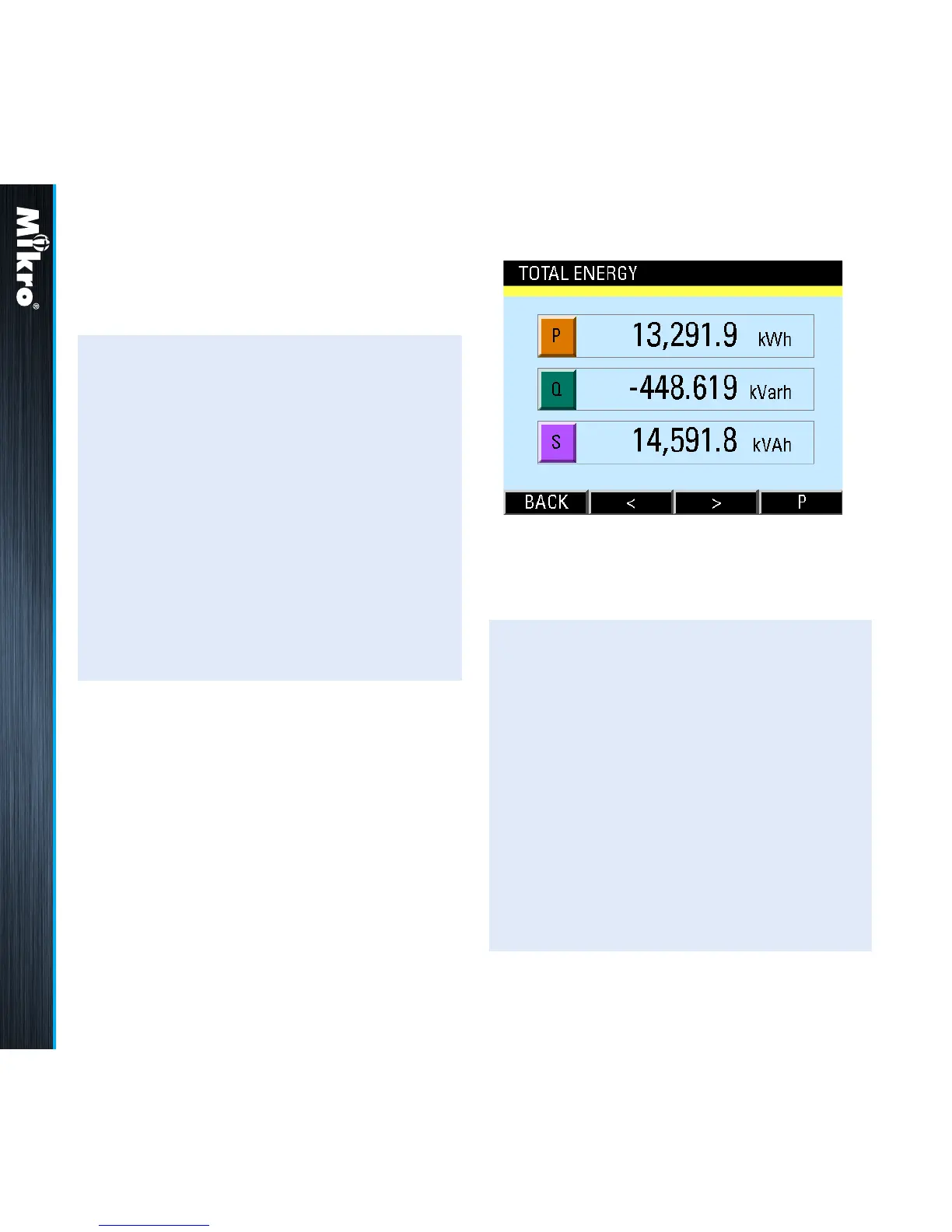
ToTal EnErGY
The Total Energy page shows the total nett
energy ow for active, reactive and apparent
energy as shown in Fig 70:
Fig 70 : Total Energy page



 To Next Page