18
TouCH BuTTon funCTions:
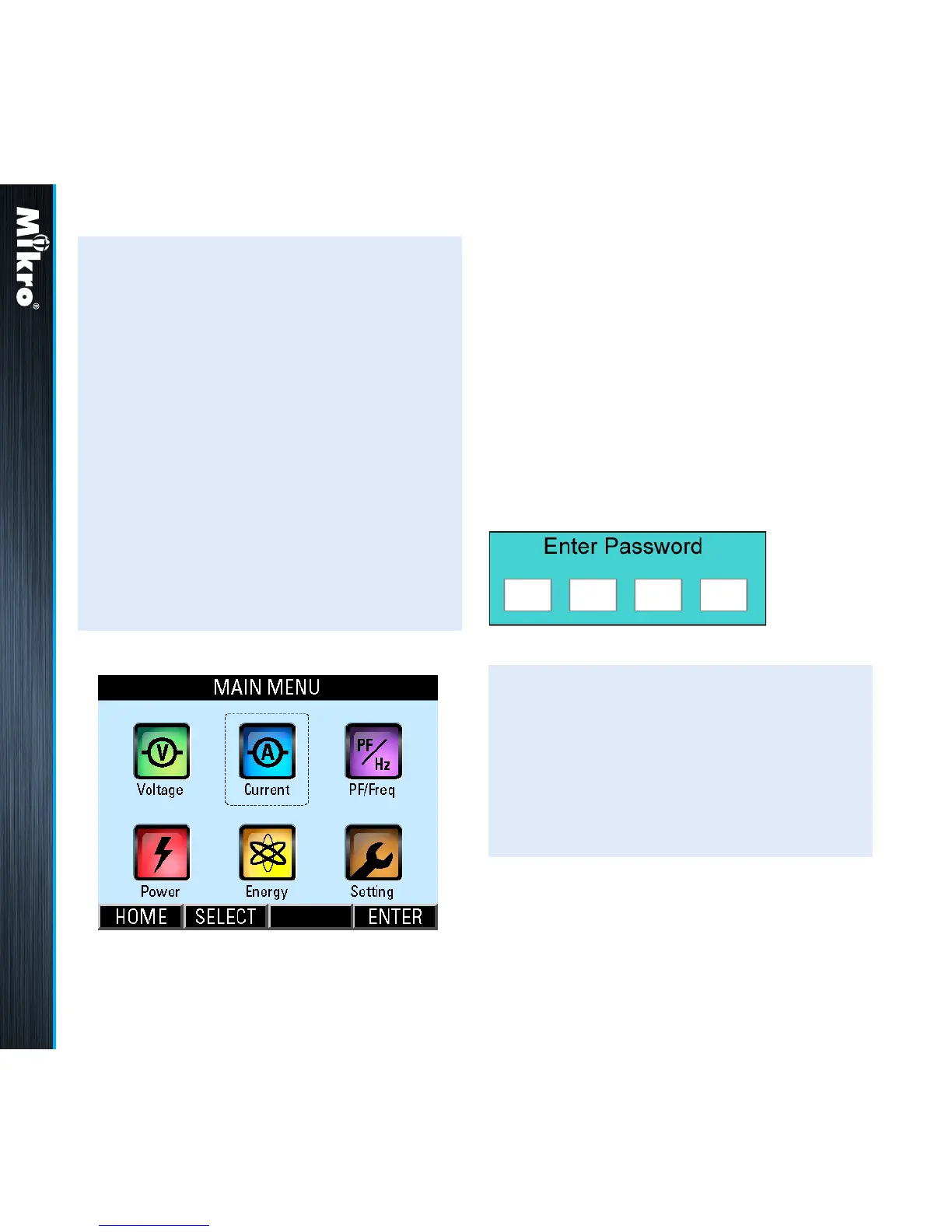
• when any button is touched, the MAIN
MENU will be displayed as shown in Fig 16
below.
• to go to the sub-menu of interest, touch the
SELECT (F2) button in multiple times until
the corresponding icon is highlighted (within
a dashed rectangular box) as shown in
Fig 16. To conrm this selection, touch the
ENTER (F4) button.
• to return to the OVERVIEW page, touch the
HOME (F1) button in the MAIN MENU.
When the power meter is left idle for more than 5
minutes, the display will default to the OVERVIEW
page.
Fig 16 : MAIN MENU
Meter Operations 3.1 3.2
3.2
passworD
auTHEnTiCaTion
For authentication in the parameter setting
operations, the user may be prompted for a valid
password. In this mode, the Enter Password
window as shown in Fig 17 below will appear.
TouCH BuTTon funCTions:
• to abort the operation and return to the
previous page, touch the ABORT (F4) button.
• otherwise, touch the SET (F1) button to enter
the input password mode.
In the input password mode, the UP (F2) and
DOWN (F3) buttons will become active and
the background colour of the active eld will be
changed to white.
Fig 17 : Enter Password window



 To Next Page