62
Meter Operations 3.8.2.2 3.8.2.3
The unit Address can be set from 1 to 247.
The serial Data Format options are shown in
Table 3.
Baud Rate can be set at either 300, 600, 1200,
2400, 4800, 9600, 19200 or 38400.
Enabling the Remote Set allows the remote
terminal to read and write the meter settings
via Modbus RTU or Modbus TCP/IP (only for
DPM680), otherwise the setting data can only
be read.
Before the saving of settings, the user will be
prompted for conrmation.
Even
Odd
No
No
1
1
2
1
Parity Stop
Table 3 : RS-485 data format
TouCH BuTTon funCTions:
• to abort saving the settings, touch the NO
(F3) button to return to the Modbus sub-
page.
• otherwise, touch the YES (F2) button to save
the settings and the user will be prompted for
password authentication as in section 3.2.
3.8.2.3
ViEw nETworK DETails
(onlY for DpM680)
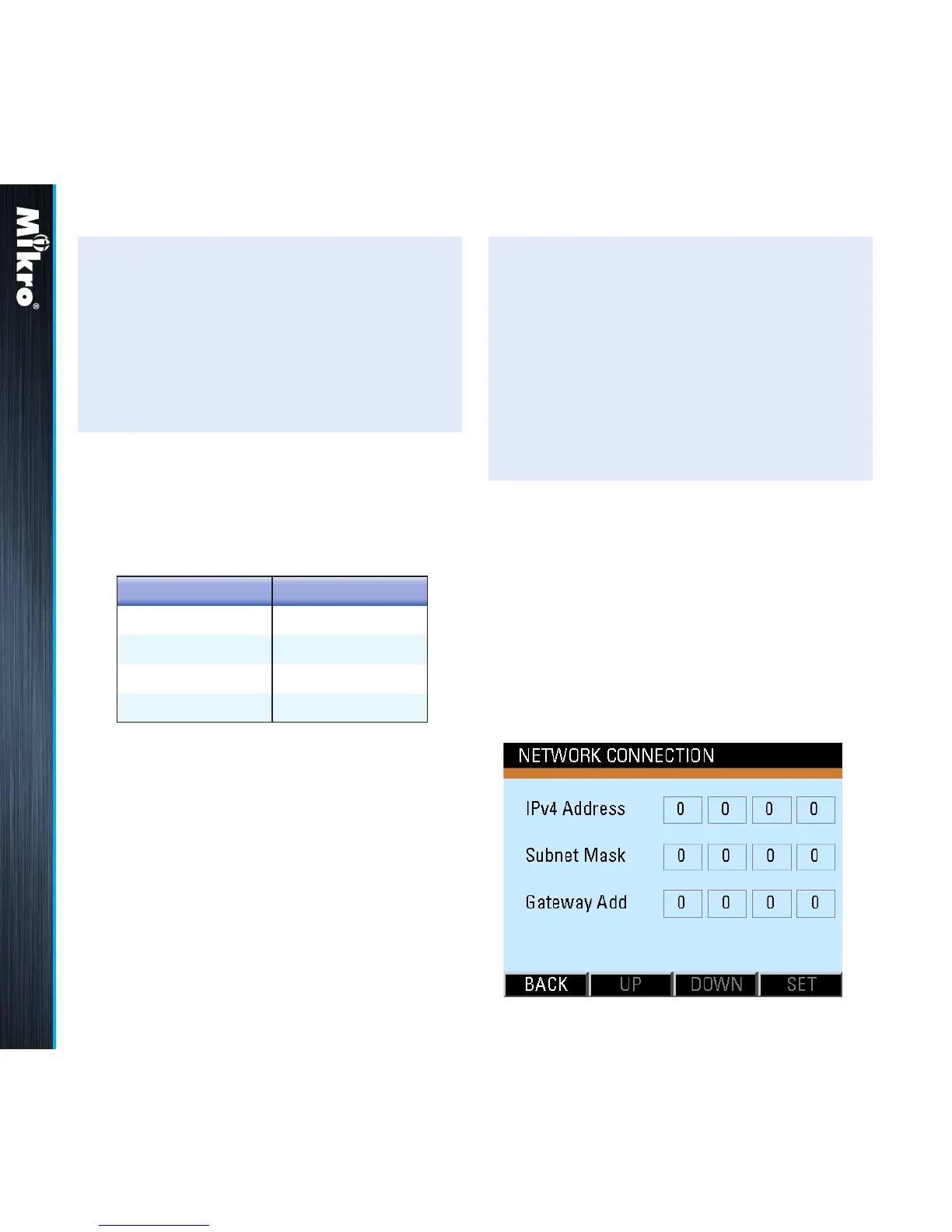
The View Network Details sub-page displays
the actual TCP/IP network parameters as shown
in Fig 76.
Fig 76 : View Network Details sub-page
• to select the next eld to change, touch the
NEXT (F4) button and repeat the above 2
steps.
• to save the settings and/or return to the
Modbus sub-page, touch the BACK (F1)
button.



 To Next Page