43
Meter Operations 3.6 3.6.1
3.6
powEr suB-MEnu
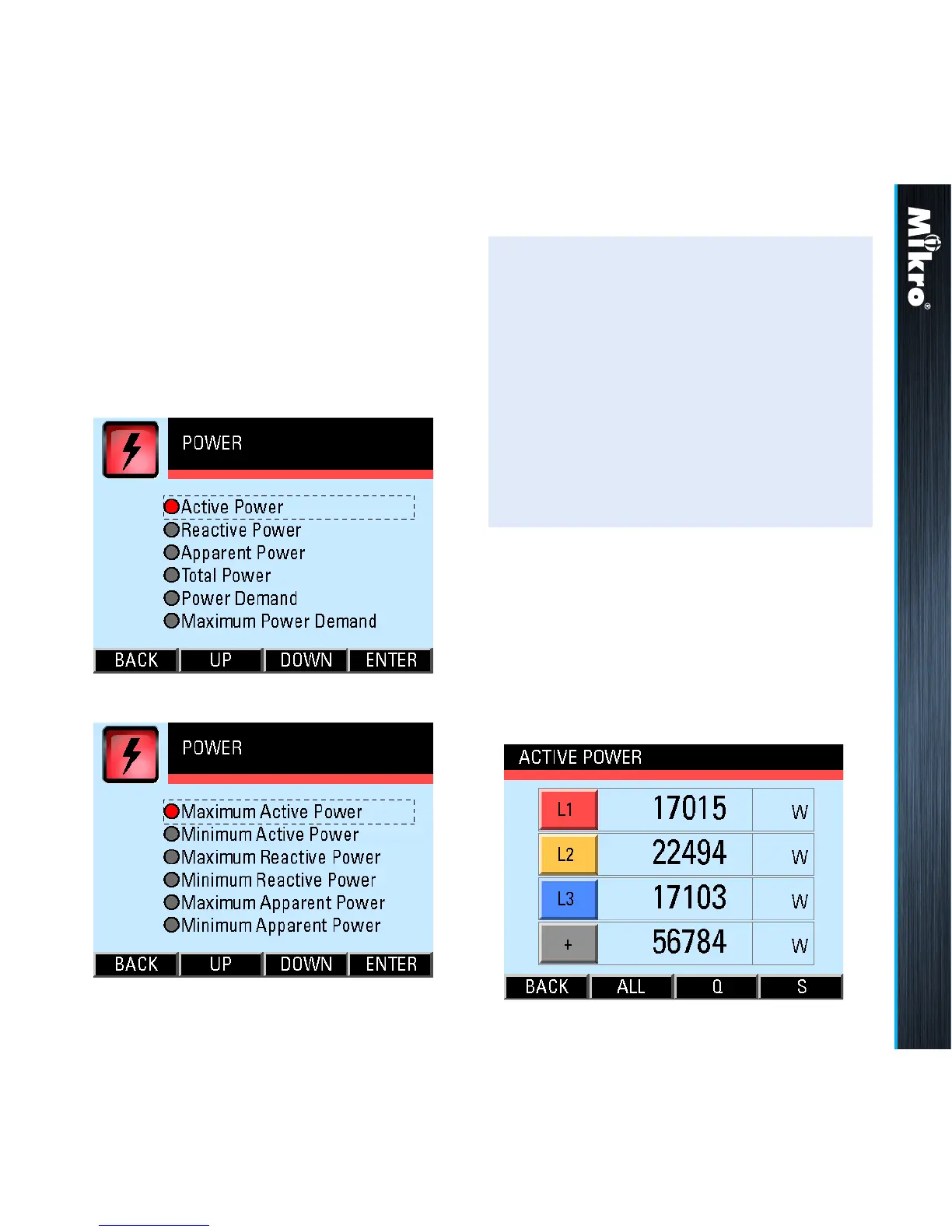
The POWER sub-menu allows the selection of
power parameter pages as shown in Fig 51 and
its continuation in Fig 52:
Fig 51 : POWER sub-menu
Fig 52 : POWER sub-menu (cont’d)
TouCH BuTTon funCTions:
• to select the parameter page of interest,
touch either the UP (F2) or DOWN (F3)
button until the parameter item is highlighted
(within a dashed rectangular box and a RED
dot to its left). To conrm this selection, touch
the ENTER (F4) button.
• to return to the MAIN MENU, touch the
BACK (F1) button.
3.6.1
aCTiVE powEr
The Active Power page shows the nett active
power for each phase as well as the total nett
active power as shown in Fig 53:
Fig 53 : Active Power page



 To Next Page