32
Meter Operations 3.4.4
3.4.4
CurrEnT DEManD
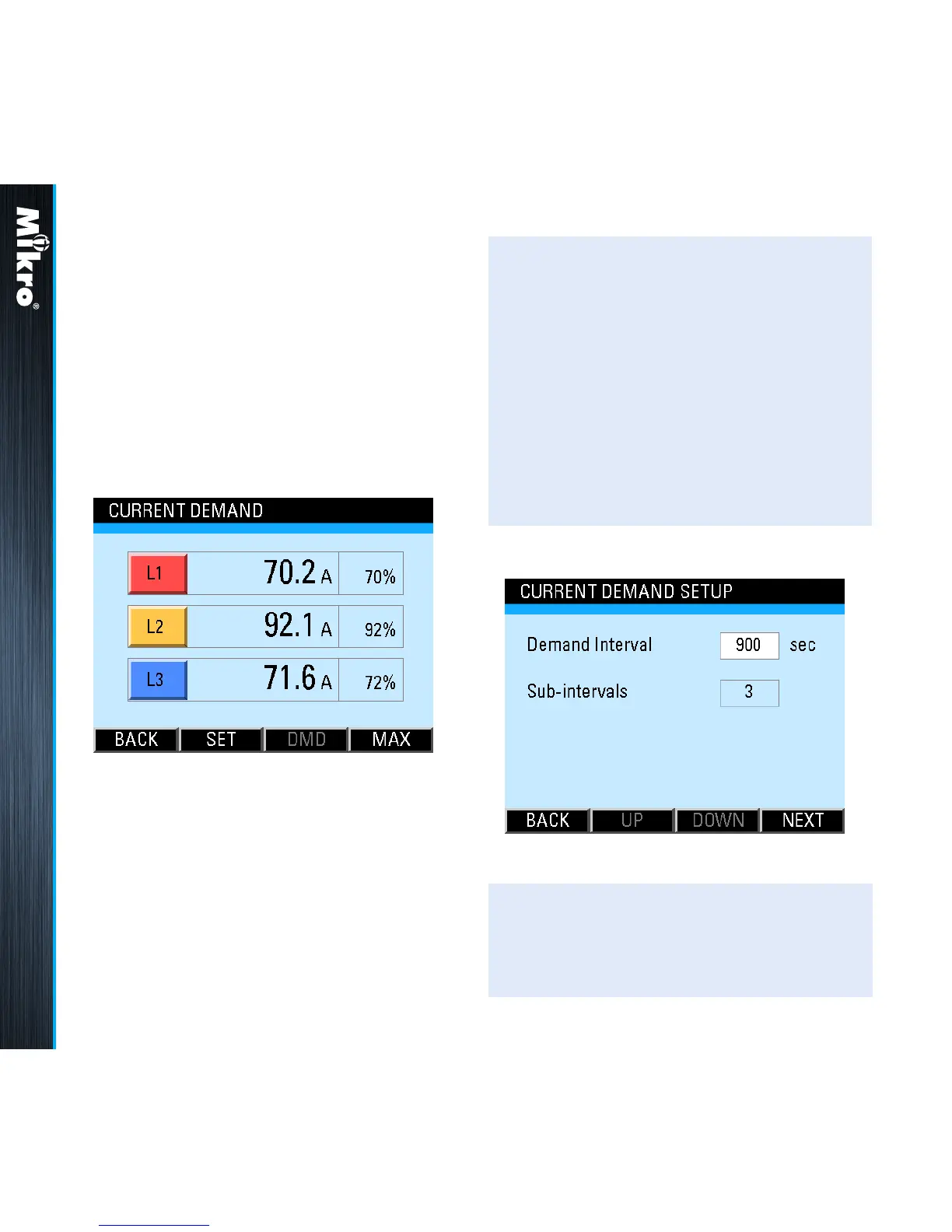
The Current Demand page shows the current
averaged over a demand interval for each phase
as shown in Fig 36. The current demand is
calculated using the thermal demand method.
Please see section B.1 in Appendix B for details.
Fig 36 : Current Demand page
TouCH BuTTon funCTions:
• to jump to the Current Demand Setup page
as shown in Fig 37, touch the SET (F2)
button.
• to jump to the Maximum Current Demand
page, touch the MAX (F4) button.
• otherwise, touch the BACK (F1) button to
return to the CURRENT sub-menu.
Fig 37 : Current Demand Setup page
TouCH BuTTon funCTions:
• to input new settings, touch the SET (F4)
button.



 To Next Page