28
noTE:
The displayed waveform is solely for visual
inspection and not for measurement purposes.
The waveform is the captured voltage at
the metering voltage input, not necessarily
the actual phase voltage, especially when
voltage transformers are used.
TouCH BuTTon funCTions:
• to change the trigger source among the 3
phases, touch the TRIG (F1) button.
• to zoom out the voltage display scale, touch
the - (F2) button.
• to zoom in the voltage display scale, touch
the + (F3) button.
• otherwise, touch the BACK (F4) button to
return to the VOLTAGE sub-menu.
3.4
CurrEnT suB-MEnu
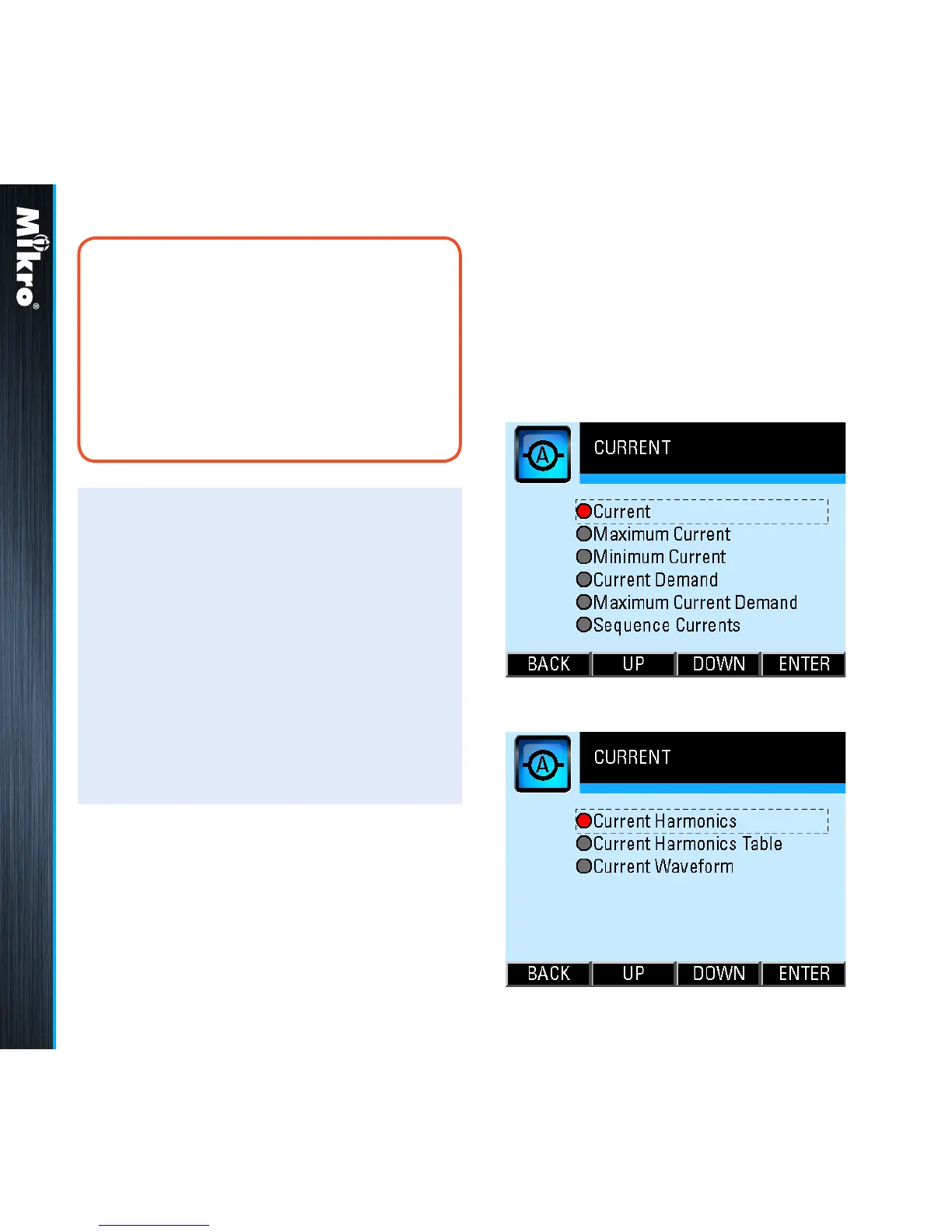
The CURRENT sub-menu allows the selection of
current parameter pages as shown in Fig 31 and
its continuation in Fig 32:
Fig 31 : CURRENT sub-menu
Fig 32 : CURRENT sub-menu (cont’d)
Meter Operations 3.3.10 3.4



 To Next Page