Temperature Control Units : MFC with G Series Instrument
Page: 41
Milacron Process Support Business
4165 Halfacre Road Batavia, Ohio 45103
Phone: 513-536-2584
www.milacron.com
3.15 SHUT DOWN - DISCONNECT
A. UNIT SHUT DOWN
1. Decrease the setpoint temperature lower than 85°F and allow the unit to cool to
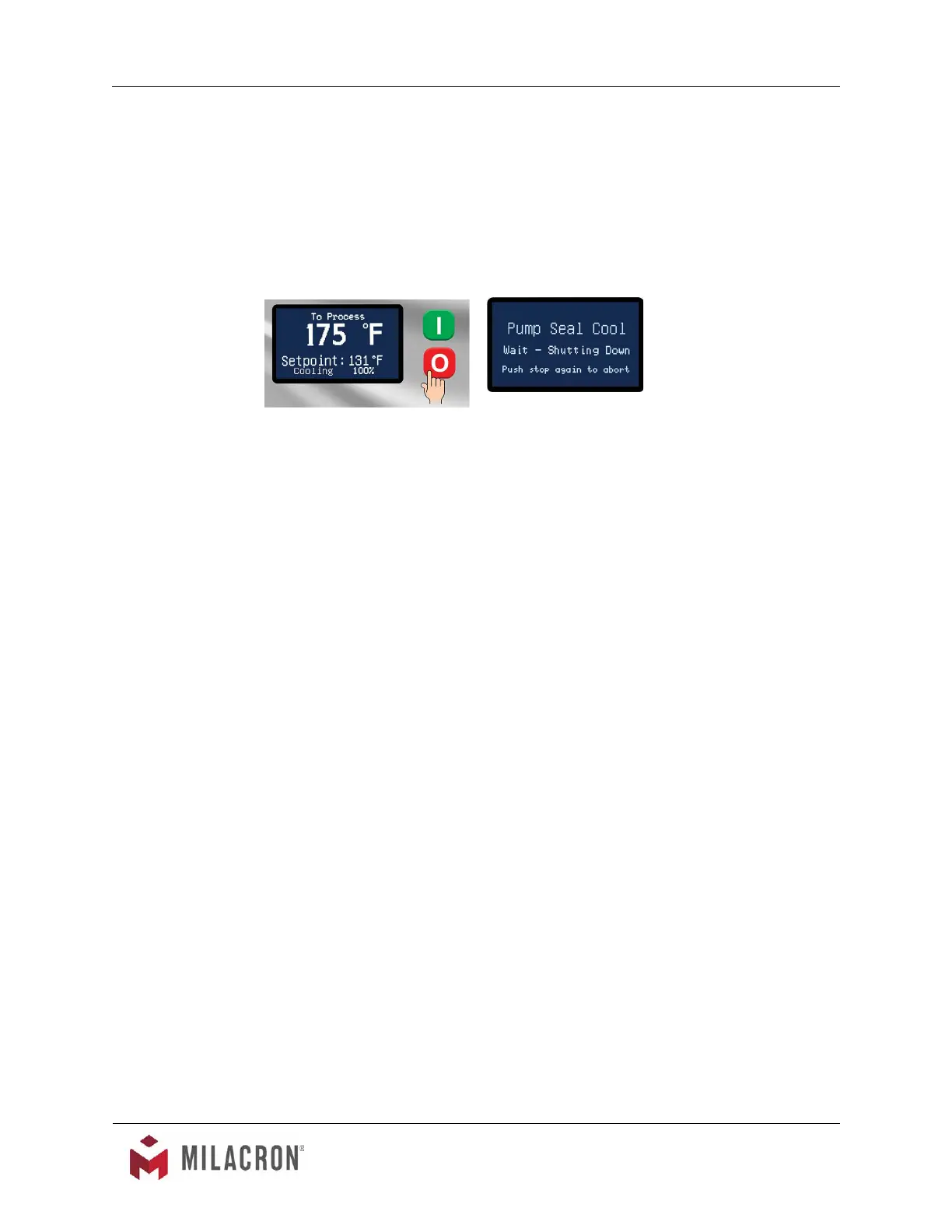
the temperature. A pump seal cooling feature can be selected from the features
menu to automatically cool the unit once the stop button is pressed.
2. Press the stop button.
3. Relieve residual static pressure before disconnecting or servicing the unit.
4. Follow all lock-out tag-out requirements.



 To Next Page