23
Service Manual Combics
y "ADC-CON" appears on the display
and then "S-CODE"
t Enter the service password as described previously (202122).
t Press the ) key.
y The device is now in Service mode.
The letter "S" is displayed on the right in the Setup menu header.
t If the first weighing platform was configured in the menu, "WP 1" appears in the
display.
y If a second weighing platform is connected and configured in the menu, you can switch
to it by pressing the k key.
t Press the ) key.
t The weighing platform can no be configured.
For settings, see ADC Configuration.
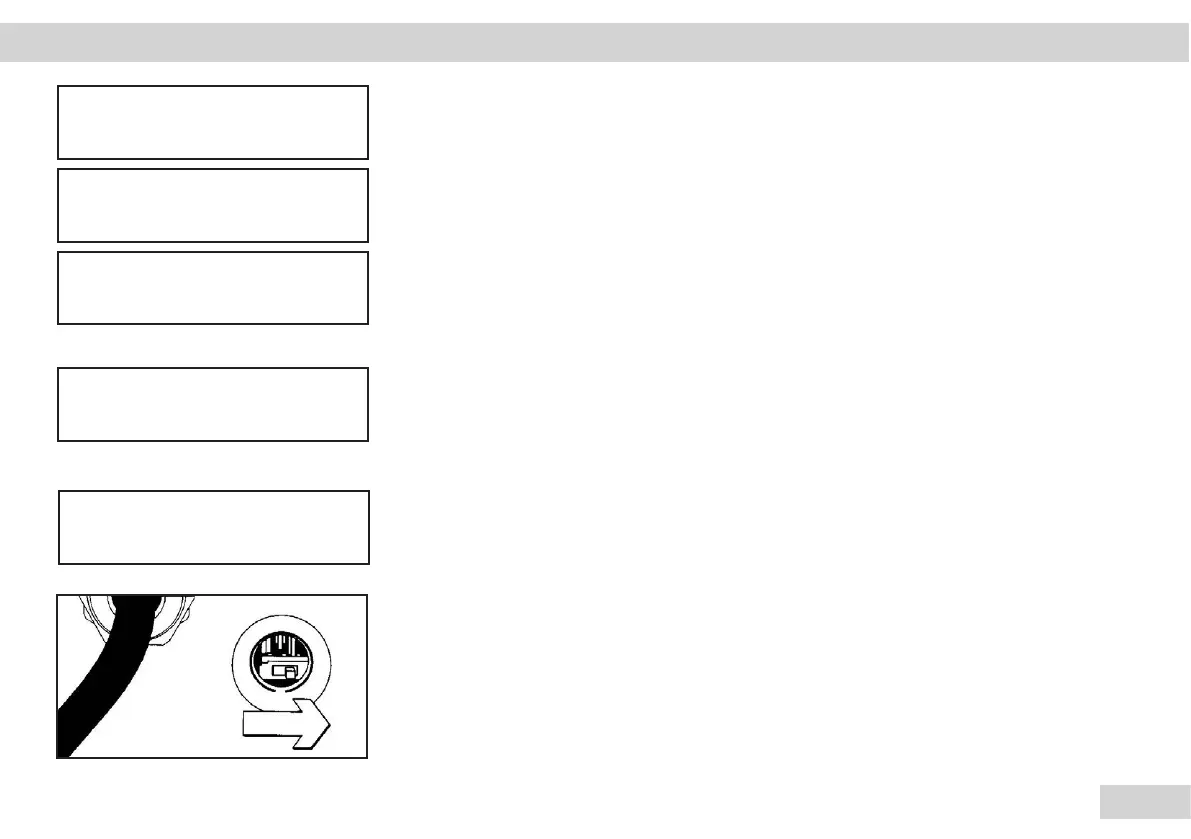
t Close the menu access switch.
Slide the menu access switch to the right ("closed position").
Operating Design | Service Mode Combics | 1 | 2 ADC configuration
S CODE
20
1
ADC CON
ADC
WP 1
S
ADC
CALIBR.
S
ADC


 To Next Page
 Loading...



