Front Panel Operations Imagestore 750 User Manual
Page 60 Miranda Technologies Inc.
Colour Fields
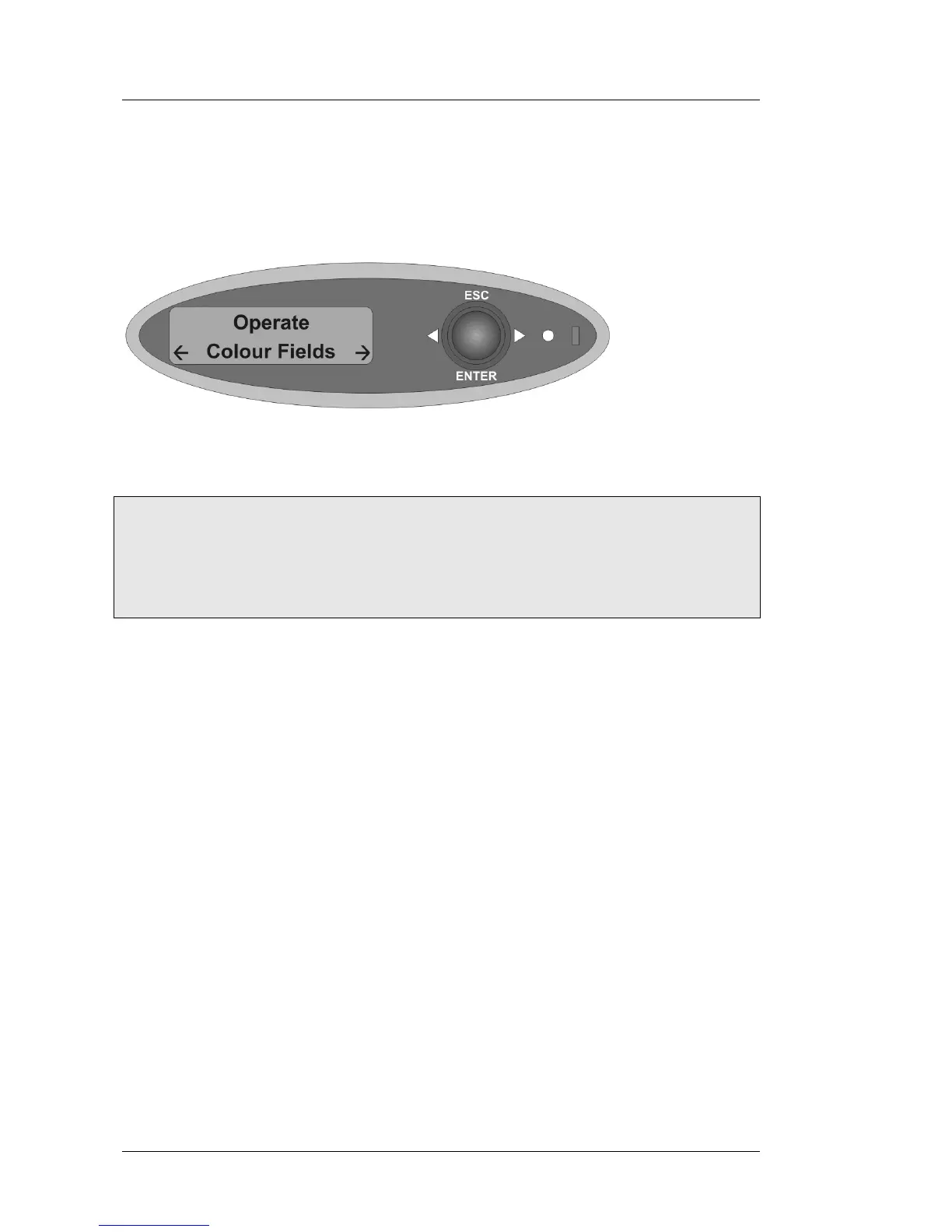
Select Operate, Colour Fields.
Colour Fields Menu Tree
Operate
Colour Fields
Colour Field 1 RGB 0 <> 100%
Colour Field 2 RGB 0 <> 100%
Colour Field 3 RGB 0 <> 100%
To adjust any colour field select it using the joystick arrows W X, and press
enter.
The colour field is set by adjusting the RGB (Red, Green, Blue) values, from
0% to 100%, for each colour in turn. Using the joystick arrows W X, increase
or decrease the field value then, when the desired value is reached press
enter. After adjusting the Red value the Green field will be displayed then the
Blue. Pressing enter at the Blue value will accept all changes made. To go
back a level without setting the colour fields press escape.



 To Next Page
 Loading...