31
P
OST-INSTALLATION TASKS
CHAPTER 4 SOFTWARE INSTALLATION
nized. For information about troubleshooting the password synchronization issue, see Unable to log
into the EX Controller Web GUI as mimx user after a password reset using Server Manager.
Licensing the MiVoice Business system
If you did not specify the ARID during the deployment, license the MiVoice Business system using Server
Manager (ServiceLink > Status).
1. Log into Server Manager.
2. Navigate to ServiceLink > Status.
3. In the Service account ID field, enter the Application Record ID (also called Service account ID).
4. If the Internet is accessed via a proxy, enter:
– Address of proxy
– TCP port used to connect to proxy. The proxy server must be configured to forward TCP packets on
the incoming port to the AMC address (sync.mitel-amc.com) on port 22.
5. Click Activate to synchronize with AMC and activate ServiceLink.
Following successful activation, Server Manager periodically reconnects to the AMC (every 24 hours by
default) via a secure, encrypted connection to synchronize ServiceLink status information. New configu-
ration instructions, such as services you have added or deleted to your AMC account, are updated at this
time.
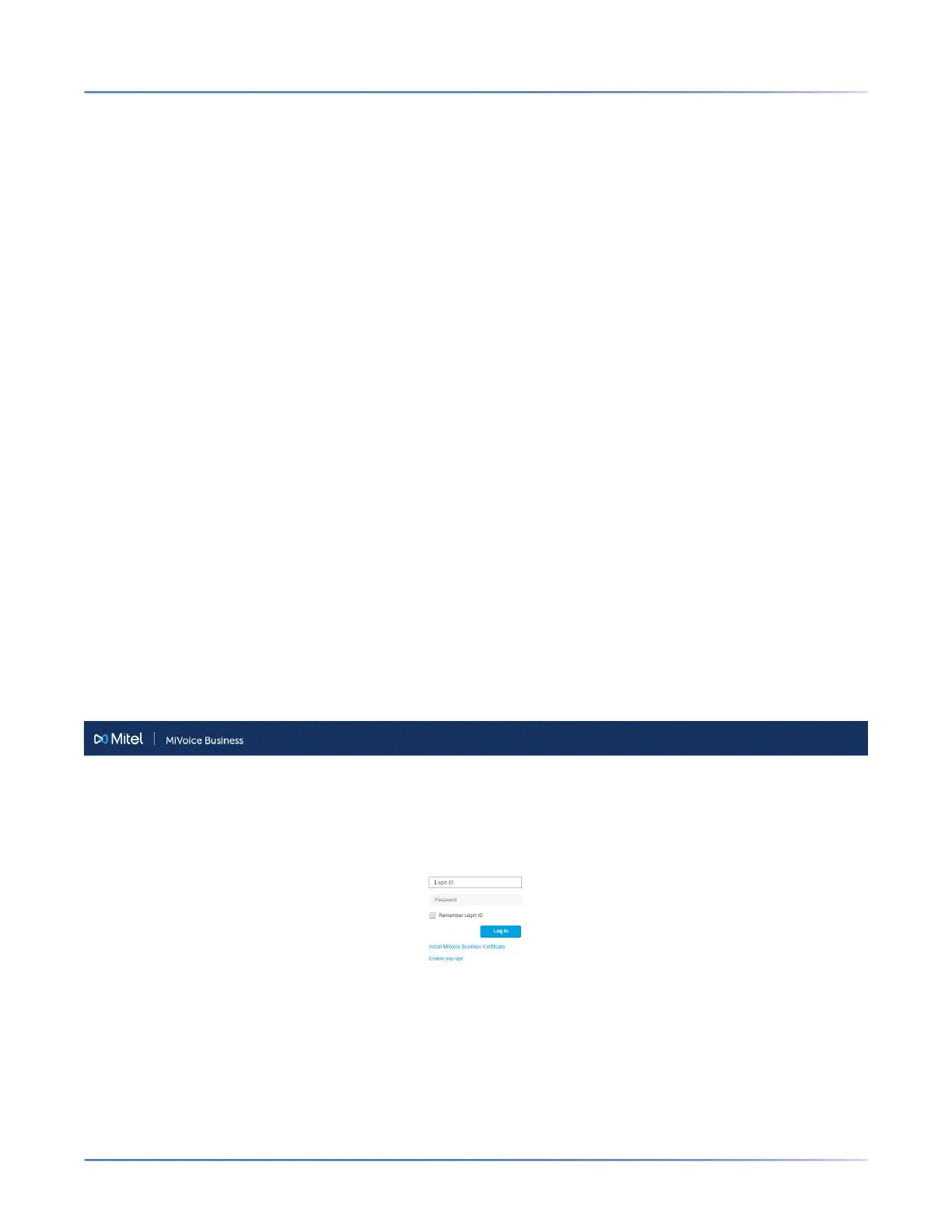
Log into the MiVoice Business System Administration Tool
1. Log into the MiVoice Business System Administration Tool by entering <IPv4 Call Manager LAN
address> in the address bar of your web browser.
The System Administration Tool login page is displayed.
2. The first time you connect, you must install the MiVoice Business certificate.
Chrome and Edge
咨询订购:400-010-8885、 Support@mitel.com.cn



 To Next Page