30
P
OST-INSTALLATION TASKS
CHAPTER 4 SOFTWARE INSTALLATION
11. Ensure that you have the system on the correct network for the new IP addresses as configured during
the deployment process.
Post-Installation Tasks
Default Passwords
The default user names and passwords to be used after the deployment are as follows:
• The default user name for the Server Manager user accounts is admin and root and the default pass-
word is default1.
• The default user name for the System Administration Tool user account is system and the default
password is password.
• The default user name for the EX Controller Web GUI user account is public. There is no default pass-
word.
Log into Server Manager
1. Log into Server Manager by entering <IPv4 Call Manager LAN address>/server-manager in the
address bar of your web browser.
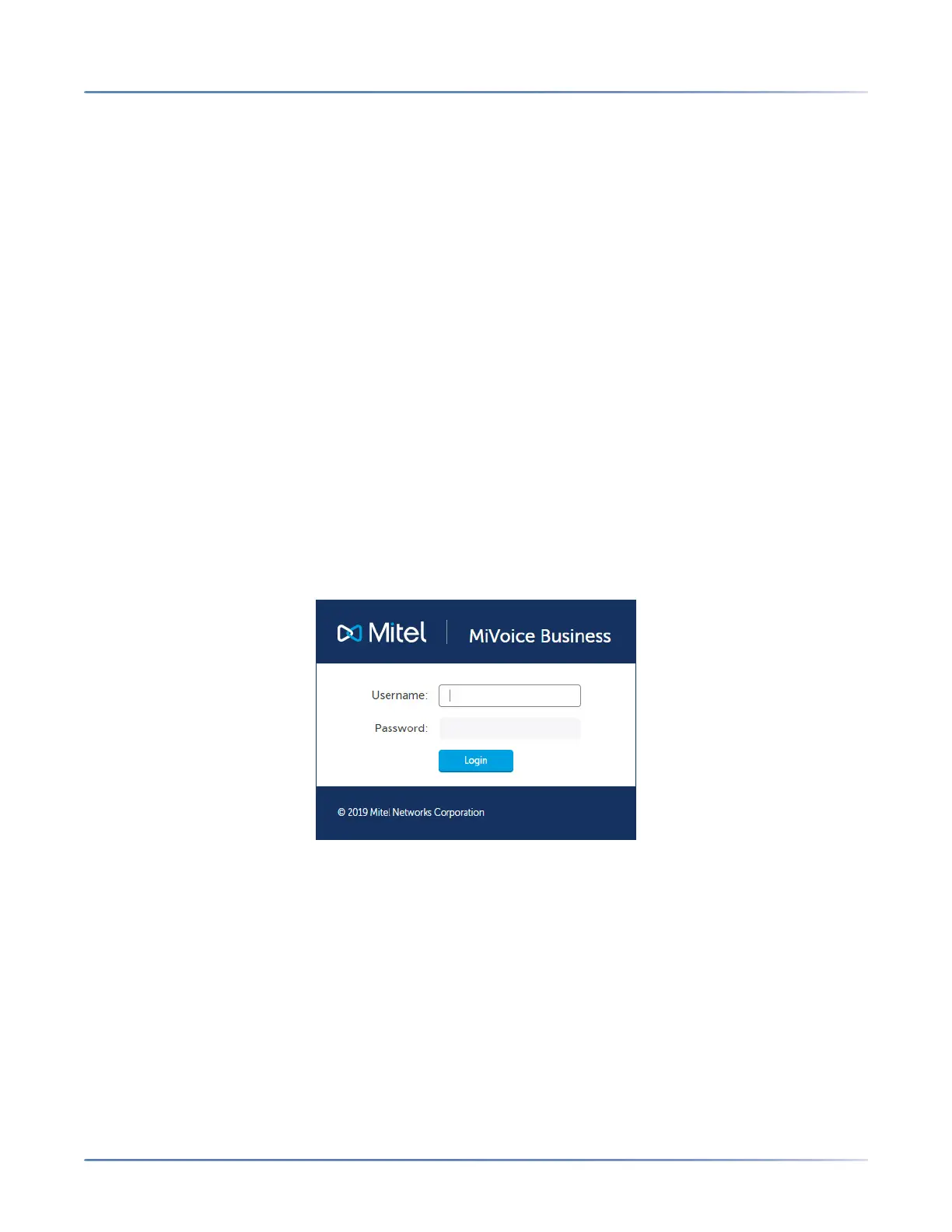
The Server Manager login page is displayed.
2. Type the default Username (admin) and Password (default1).
You are prompted to change the password. The new password must have at least eight characters
consisting of:
– an upper case letter
– a lower case letter
– a number
– a non-alphanumeric character
NOTE: The modified password is also applied as the SNMP v3 privacy password, the EX Controller
Web GUI password, and the System Administration Tool mimx account password. However, if the
new password does not conform with the minimum eight-character rule, it does not get synchro-
咨询订购:400-010-8885、 Support@mitel.com.cn



 To Next Page