33
P
OST-INSTALLATION TASKS
CHAPTER 4 SOFTWARE INSTALLATION
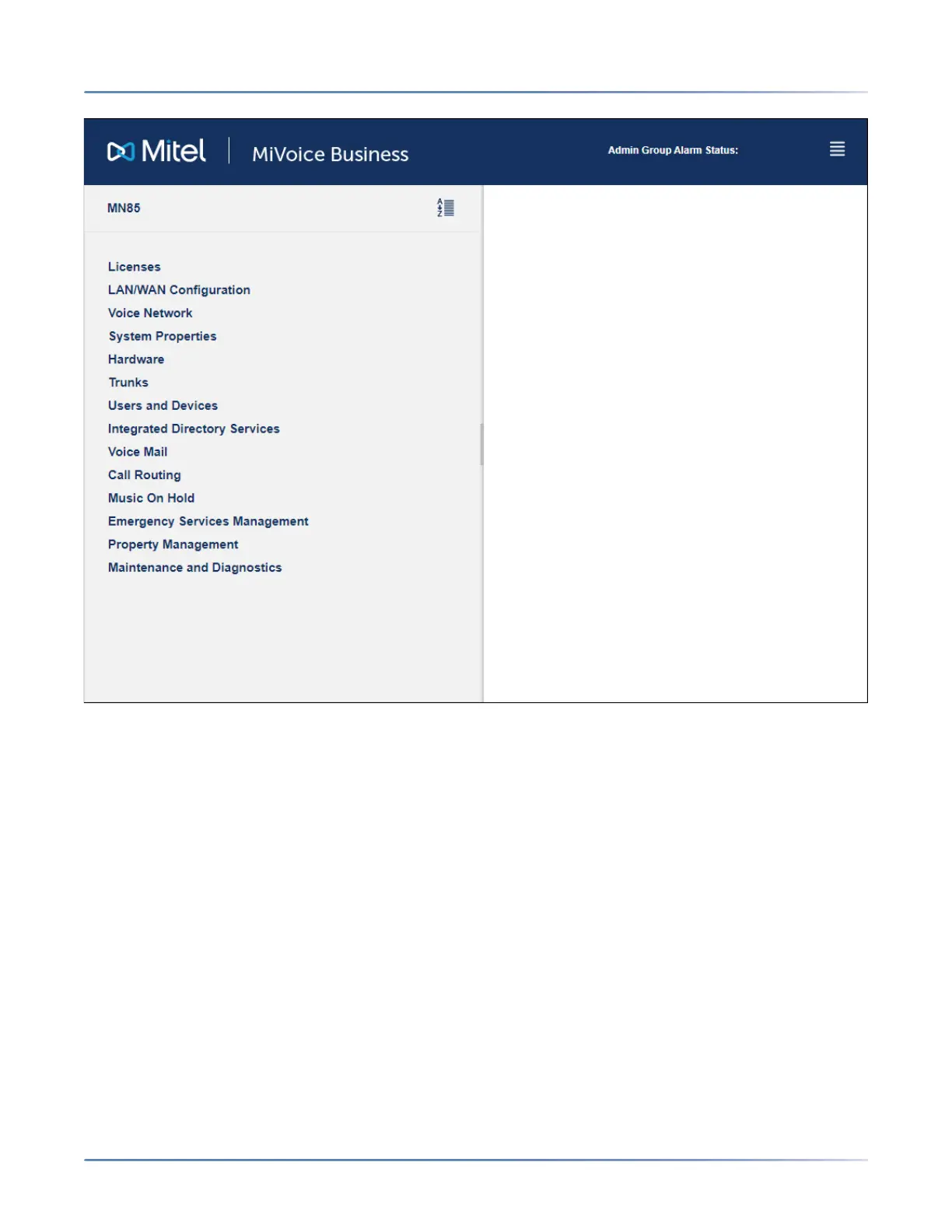
7. You will be prompted to install XML Components when you log into the System Administration Tool
for the first time. At the prompt, “Do you wish to install or upgrade the required XML components?”,
click Install Now. The installation takes less than 30 seconds and you do not need to restart your
computer.
TIP: The system allows up to 5 concurrent System Administration Tool or Group Administration Tool
sessions (or any combination of the two) provided that the initial login browser is closed and 10
concurrent Desktop Tool sessions.
NOTE: The System Administration Tool will temporarily lock you out for 15 minutes after three
consecutive attempts to log in have failed.
8. Navigate to the Hardware > Hardware Modules form and verify that all the telephony cards are
listed.
9. Reboot the system from Server Manager (Administration > Shutdown or reboot).
Log into the EX Controller Web GUI
1. Enter the IPv4 EX Controller LAN address specified during the deployment in the address bar of
your web browser.
The EX Controller Web GUI login page is displayed.
咨询订购:400-010-8885、 Support@mitel.com.cn



 To Next Page