23
U
PDATING THE EX CONTROLLER DEPLOYMENT TOOL
CHAPTER 4 SOFTWARE INSTALLATION
Updating the EX Controller Deployment Tool
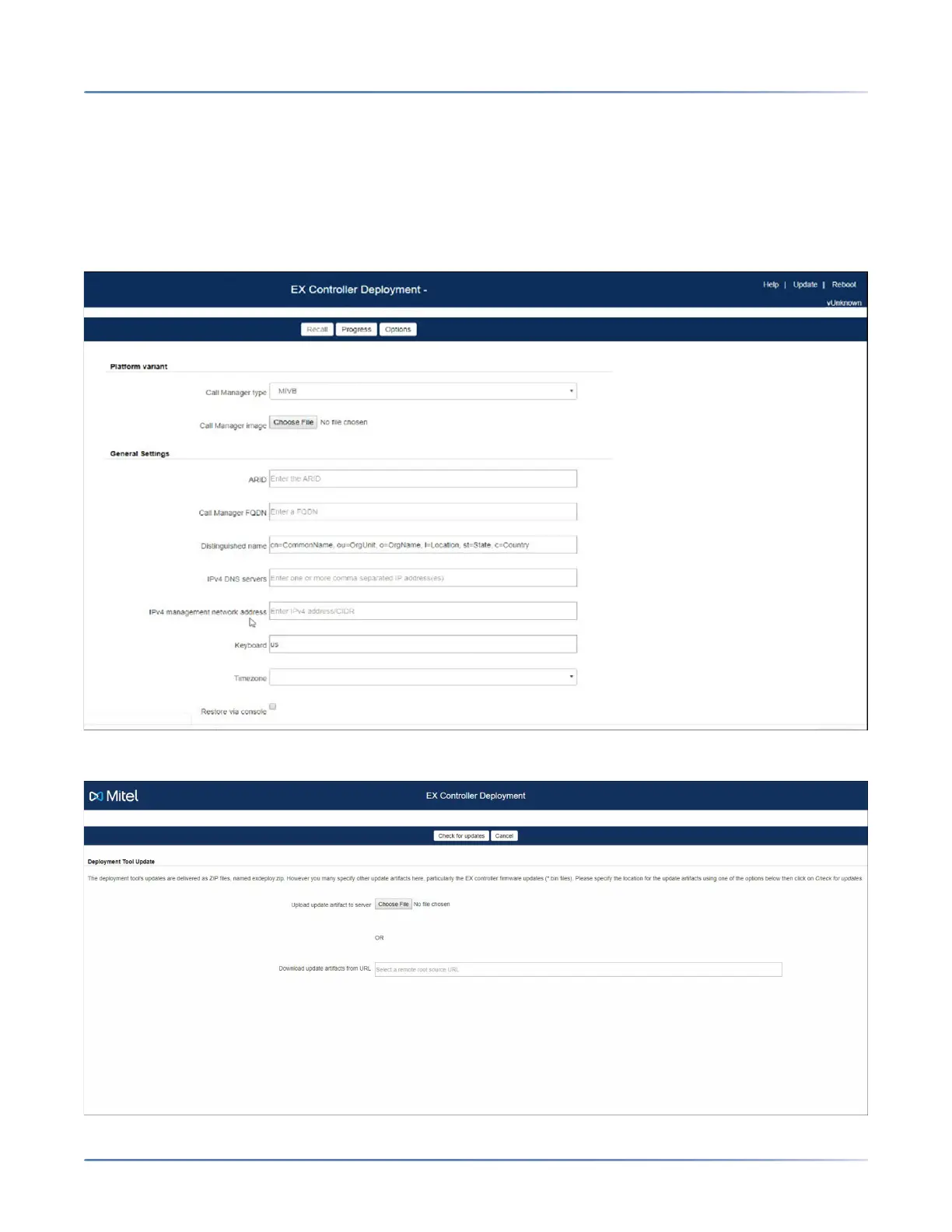
After you access the Deployment Tool, you must update the Deployment Tool.
To update the Deployment Tool:
1. In the Deployment Tool home page, click Update.
NOTE: Updating the Deployment Tool upgrades the DGW firmware also.
2. Click Choose File, and select the exdeploy-x.x.x.x.zip file.
咨询订购:400-010-8885、 Support@mitel.com.cn



 To Next Page