44
C
ONFIGURE THE SERVER USING SERVER CONSOLE
CHAPTER 5 MAINTENANCE
Accessing Server Console
To access the Server Console remotely:
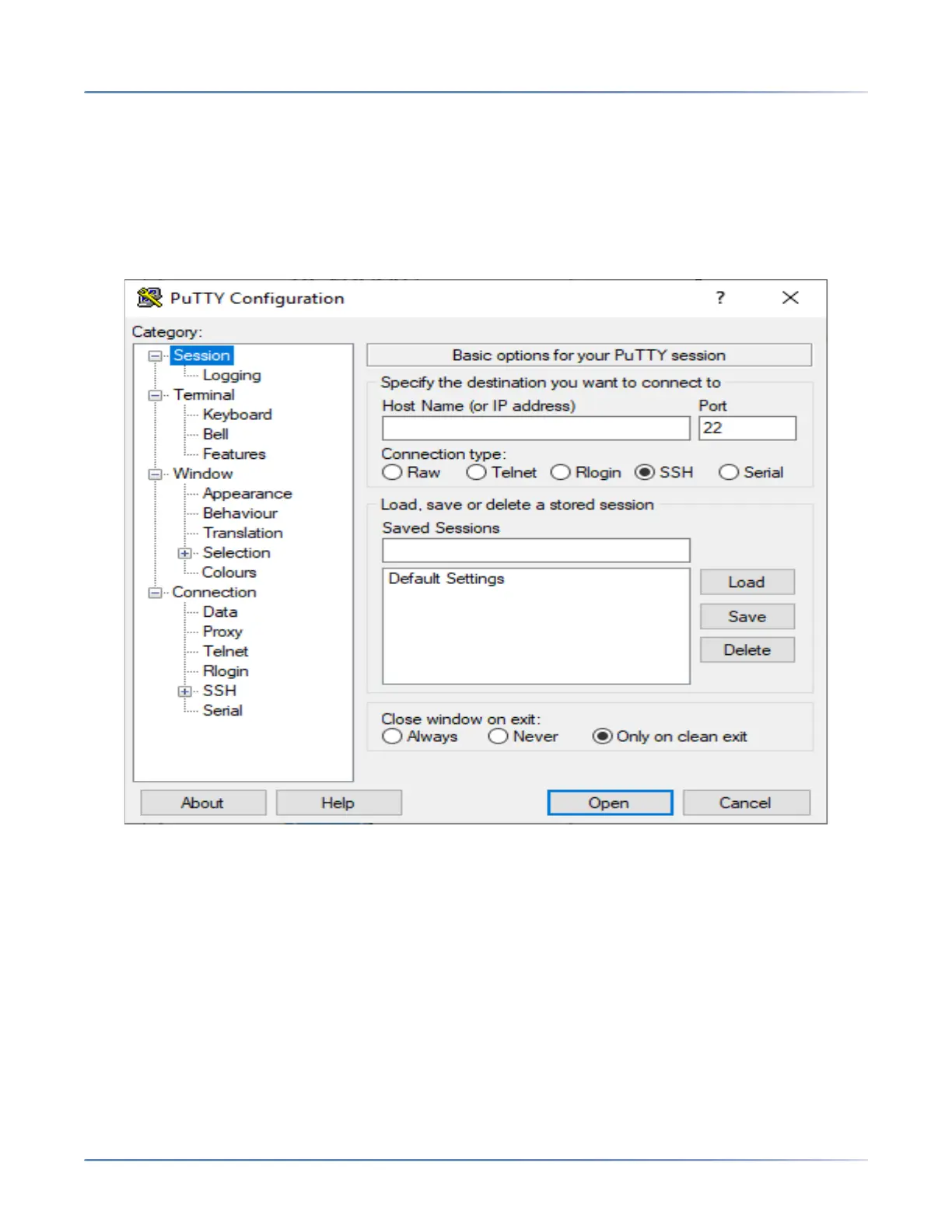
1. Connect to the MiVoice Business system using a terminal emulator application (for example, PuTTY).
NOTE: Before you begin, ensure that you have enabled SSH access through the Server Manager (Secu-
rity > Remote Access).
a. Launch a terminal emulator application.
b. In the Host Name (or IP address) field, type the IP address of the MiVoice Business system.
c. Select SSH under Connection type, and then click Open.
The login prompt is displayed.
d. At the login prompt (login as:), type admin (user admin) and press the Enter key.
咨询订购:400-010-8885、 Support@mitel.com.cn



 To Next Page