65
A
SSIGNING A STATIC IP ADDRESS MANUALLY
CHAPTER 7 APPENDIX A: ASSIGNING A STATIC IP ADDRESS TO THE EX CONTROLLER DEPLOYMENT TOOL MANUALLY
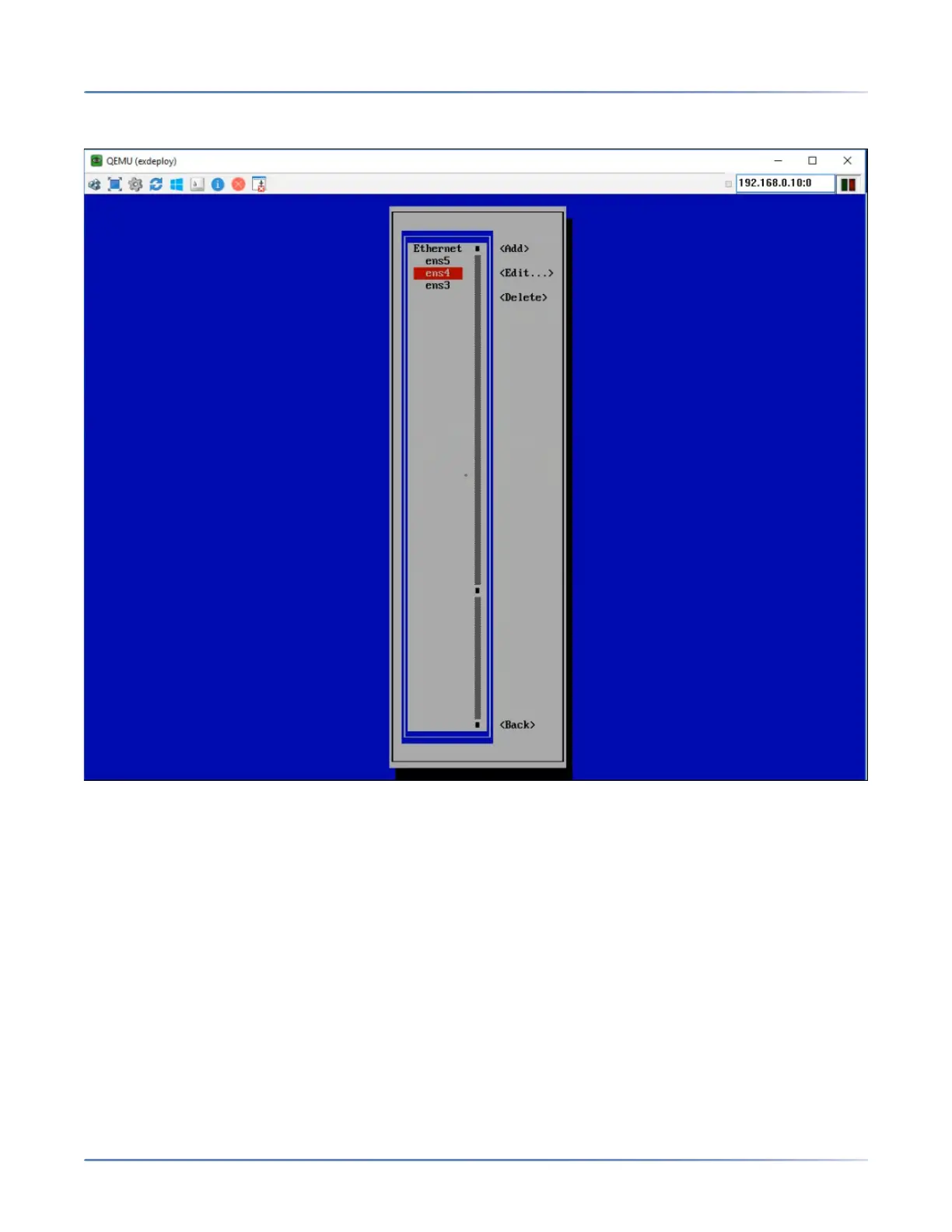
10. From Ethernet, select ens4 and select Edit to edit the LAN interface of the Deployment Tool virtual
machine.
NOTE: The ens3 option is used to edit the WAN interface, and the ens5 option is used edit the
private interface that communicates with the EX Controller. Do NOT modify these options.
11. Press Enter.
The Edit Connection screen is displayed.
12. Navigate to IPv4 CONFIGURATION <Automatic>, and press Enter.
咨询订购:400-010-8885、 Support@mitel.com.cn



 To Next Page