Mitel 6873i SIP Phone Release 4.2.0 SP2 User Guide
114
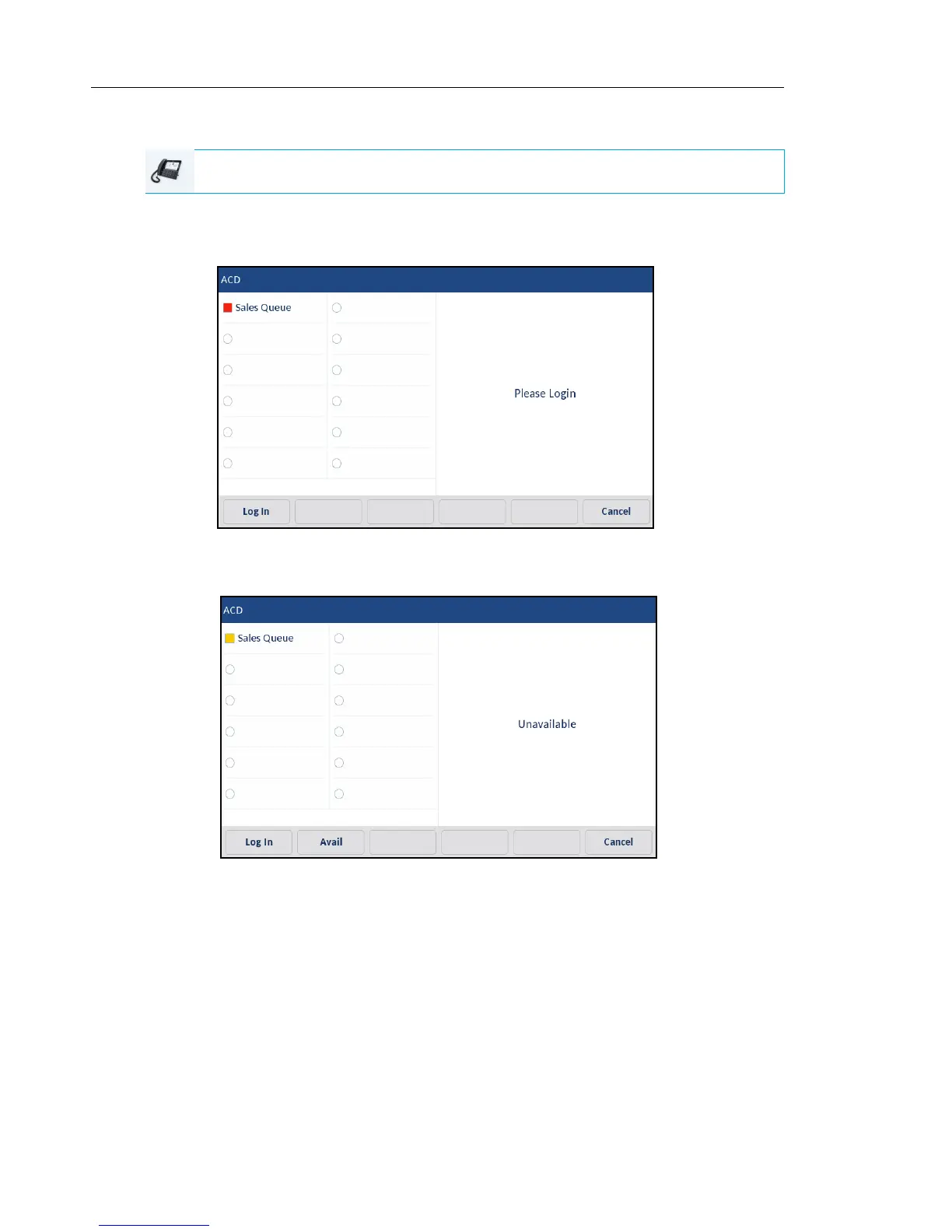
UTILIZING THE ACD FEATURE USING THE IP PHONE UI
1. Check with your Administrator to verify the queue linked to your ACD softkey.
2. Press the ACD softkey on your IP phone.
3. Press the Login softkey.
Your phone logs into the queue on the server.
IP PHONE UI



 To Next Page