Configuring Softkeys
115
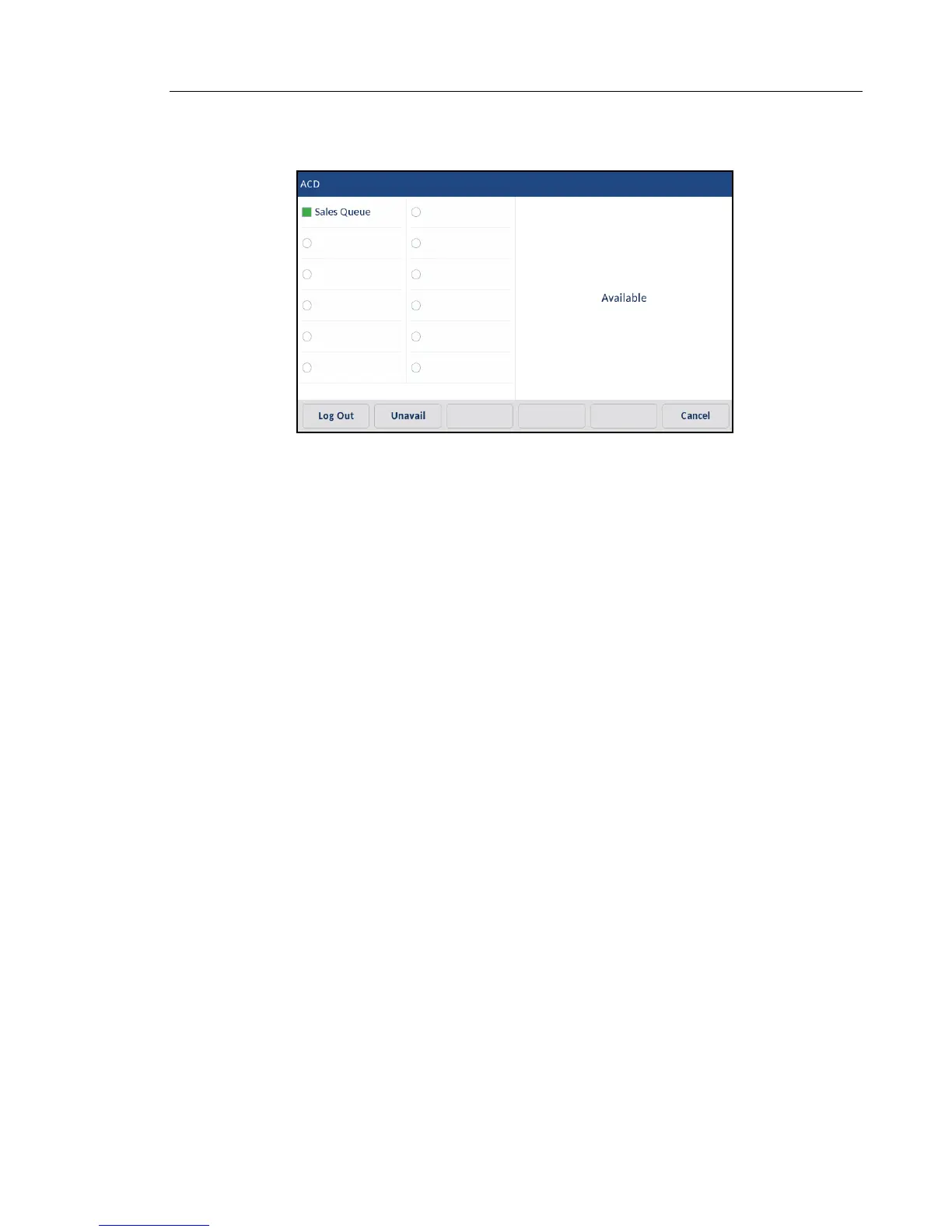
4. To allow your phone to be available in the queue, press the Avail softkey.
The following screen displays.
If your IP phone status is set to Available then the server begins to distribute phone calls
from this queue to your IP phone. You must manually change the state to Available in order
to start receiving calls.
5. To temporarily stop receiving calls, press the press the Unavail softkey.
If you are on a call (or miss a call that has been distributed to your phone), your phone
status automatically changes to Unavailable. Your phone remains in the Unavailable state
until one of the following occurs:
• You use the IP phone UI to manually switch the IP phone state back to Available
or
• The availability timer for your IP phone expires. This only occurs if your Administrator
has configured an auto-availability timer on your IP phone. Contact your System Ad-
ministrator for more information.
6. To logout of the queue, press the Log Out softkey. The server no longer distributes phone
calls to your IP phone.



 To Next Page