Customizing Your Phone
65
UNPAIRING A BLUETOOTH HEADSET
1. Press on the phone to enter the Options List.
2. Press the Bluetooth icon.
3. Ensure Bluetooth functionality is enabled. If it is not enabled, swipe the Bluetooth toggle
button to the right.
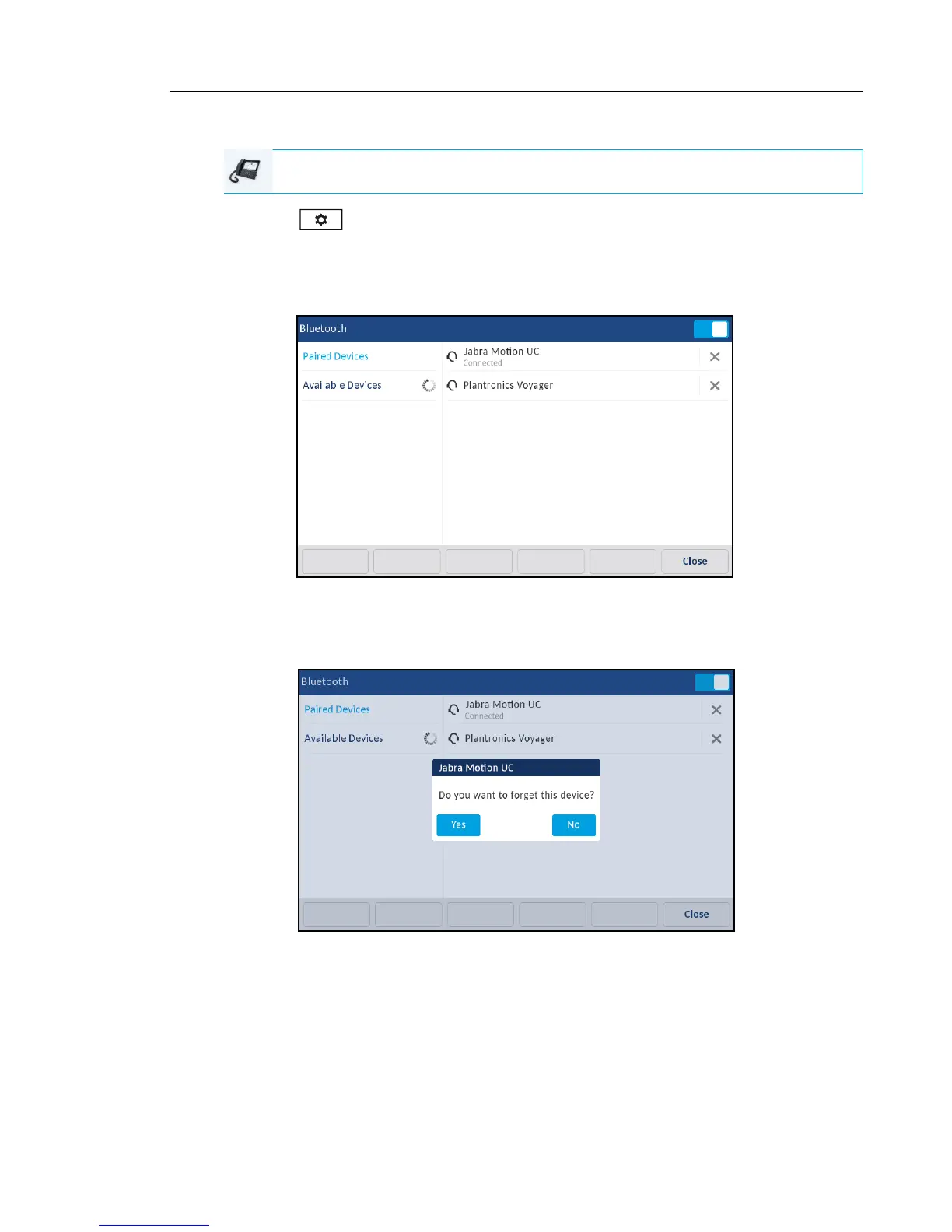
4. In the Paired Devices list, press the X button corresponding to the Bluetooth headset you
want to unpair.
The following message displays on screen.
5. Press Yes to unpair the device.
The Bluetooth headset is removed from the list of Paired Devices.
IP PHONE UI



 To Next Page