Mitel 6873i SIP Phone Release 4.2.0 SP2 User Guide
66
CONNECTING TO A DIFFERENT PAIRED BLUETOOTH HEADSET
1. Press on the phone to enter the Options List.
2. Press the Bluetooth icon.
3. Ensure Bluetooth functionality is enabled. If it is not enabled, swipe the Bluetooth toggle
button to the right.
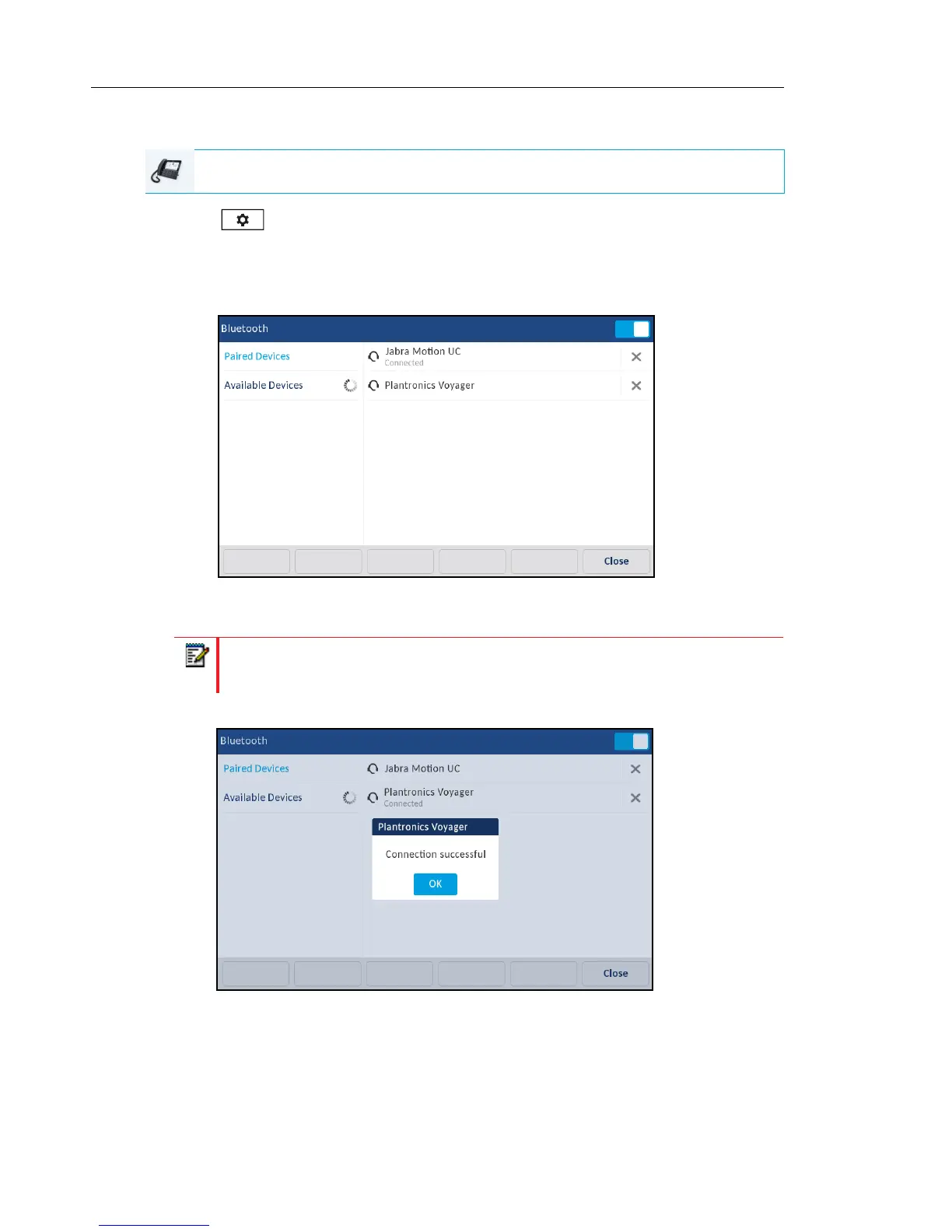
4. In the Paired Devices list, press the desired Bluetooth headset you want to connect to.
The phone attempts to connect to the headset.
5. Press the Ok button to acknowledge the successful connection.
The connected Bluetooth headset is ready to use.
IP PHONE UI
Note: If connecting fails, an error message displays on screen. Press Retry to
attempt to connect again, or Cancel to cancel the attempt.



 To Next Page