Mitel 6873i SIP Phone Release 4.2.0 SP2 User Guide
76
Locking and Unlocking the Phone
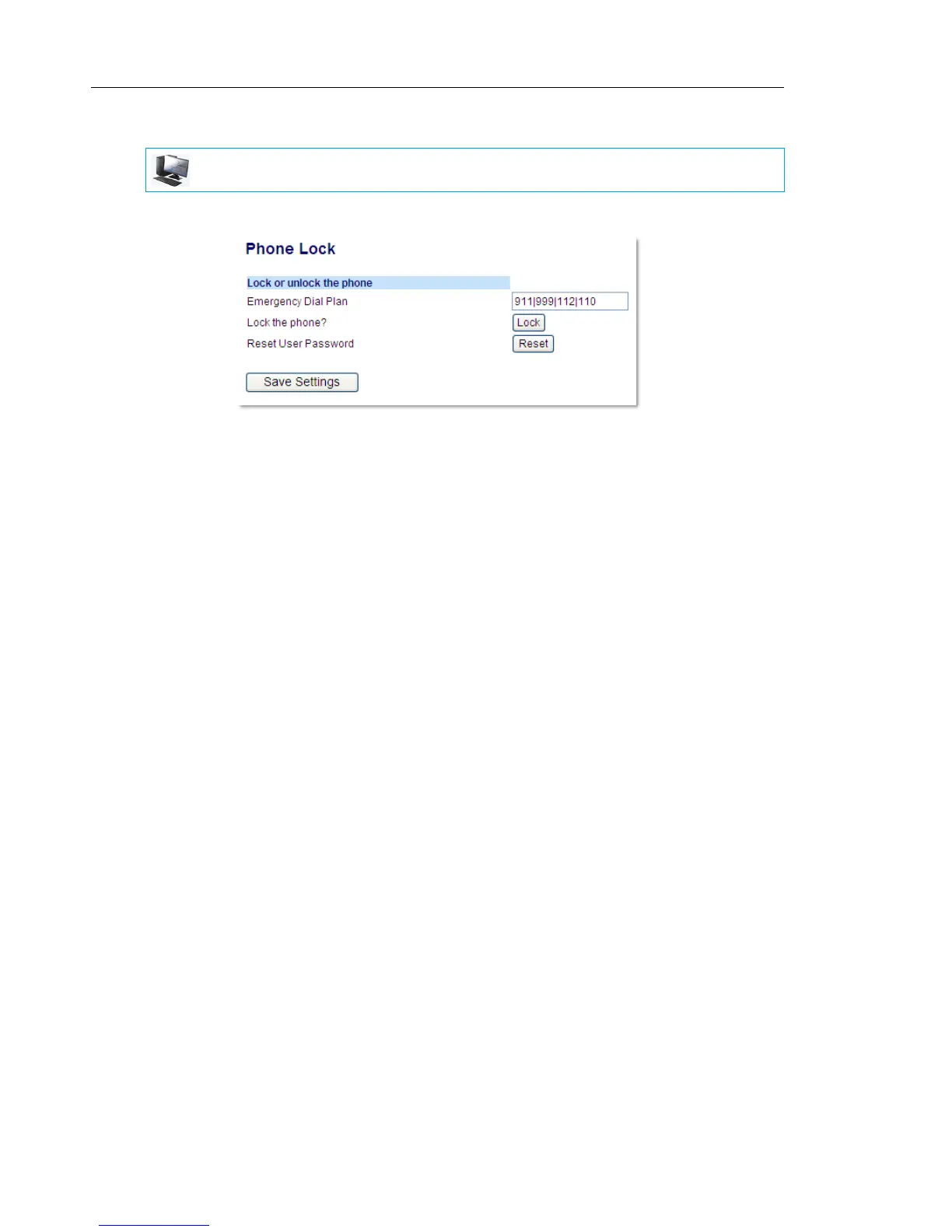
1. Click on Operation > Phone Lock.
To Lock the Phone
2. In the Lock the Phone? field, click Lock.
The message Phone is locked and lock icon displays on the Home screen. Additionally
the Message Waiting Indicator (MWI) will turn on.
Unlocking the Phone
3. Click on Operation > Phone Lock.
4. In the Unlock the Phone? field, click Unlock.
MITEL WEB UI



 To Next Page