Mitel 6873i SIP Phone Release 4.2.0 SP2 User Guide
86
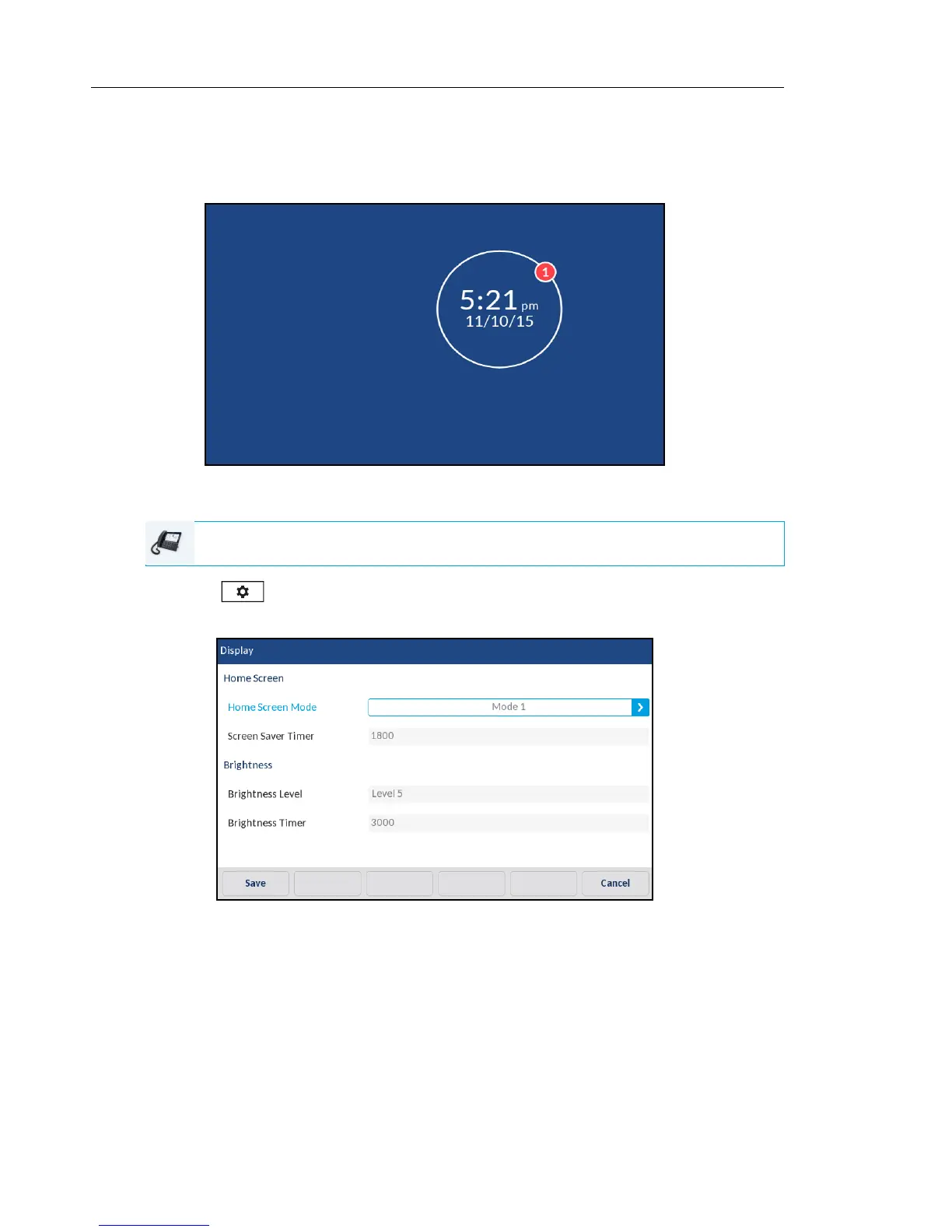
The Screen Saver Timer option allows you to configure the amount of time (in seconds) the
phone must be idle before the screen saver initiates. When the specified amount of time expires,
a screen saver displaying the date and time and the number of missed calls (if applicable) is
displayed on screen.
Configuring the Home Screen Mode and Screen Saver Timer
1. Press on the phone to enter the Options List.
2. Press the Display icon.
3. Press the left and right arrow buttons in the Home Screen Mode field to change the desired
home screen mode.
4. Press Screen Saver Timer field.
5. Enter a value, in seconds, using the on-screen keyboard. You can set the timer from 0
(disabled) to 7200 seconds. Default is 1800 (30 minutes).
6. Press the Save softkey to save your changes.
IP PHONE UI



 To Next Page