102
M
ANAGING CALLS CALL HISTORY
Copying entries to the Personal folder in the Contacts application
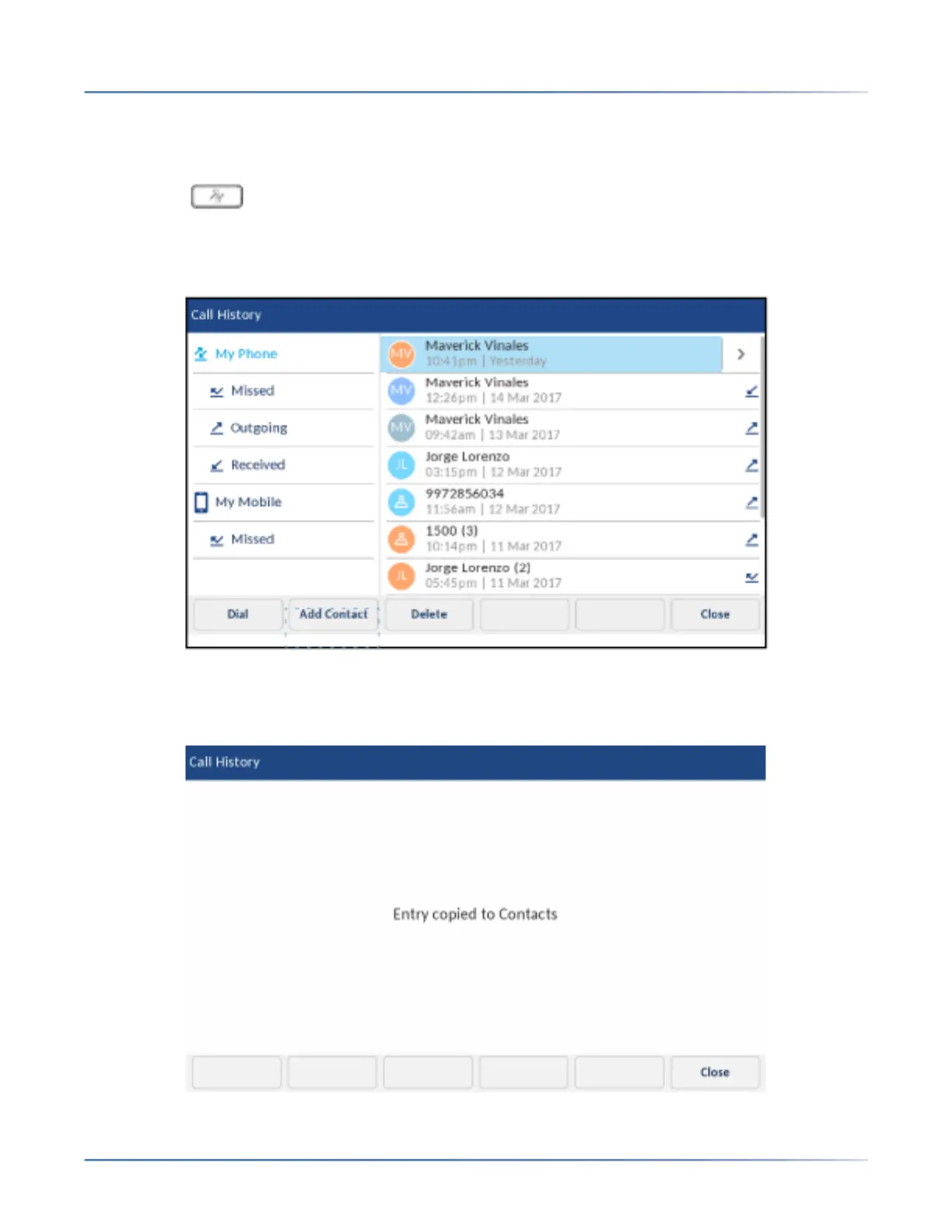
To copy a Call History entry to the Personal folder in the Contacts application:
1. Press the ( Call History) key.
2. Tap the applicable call type folder.
3. Tap to select the call entry you want to copy to your Personal folder in your Contacts application.
4. Tap the Add Contact softkey.
A copy confirmation message is displayed.













 To Next Page