55
C
USTOMIZING YOUR PHONE RESTART
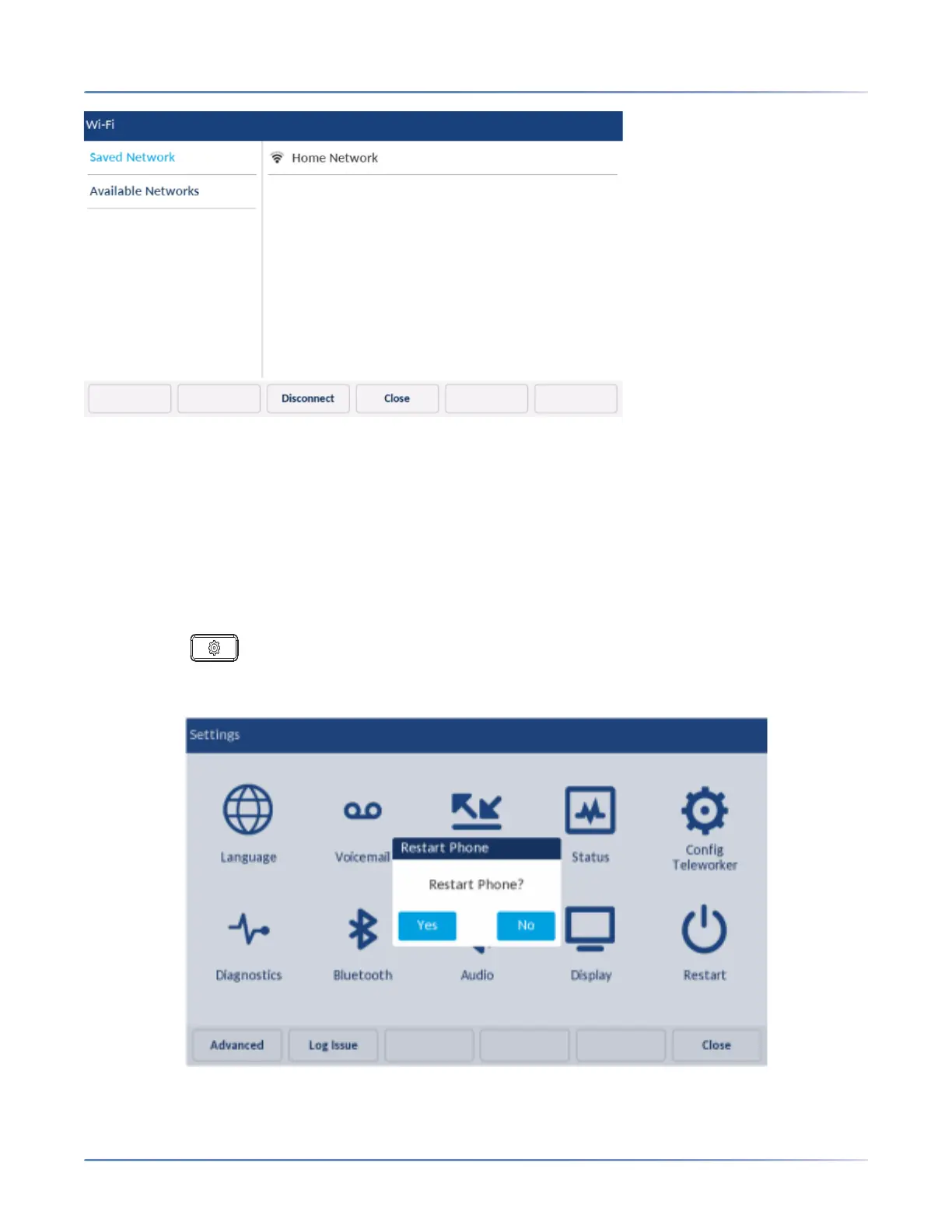
If your phone is disconnected from the Wi-Fi network Wi-Fi disconnected symbol is shown in the Status
bar of the Home screen
Restart
The Restart setting allows you to restart your phone. You may need to restart your phone if you have
been asked to do so by your System Administrator should you experience any unexpected behavior.
To restart your phone:
1. Press the (Settings) key on the phone to enter the Settings menu.
2. Tap the Restart icon.













 To Next Page