88
M
ANAGING CALLS CONTACTS
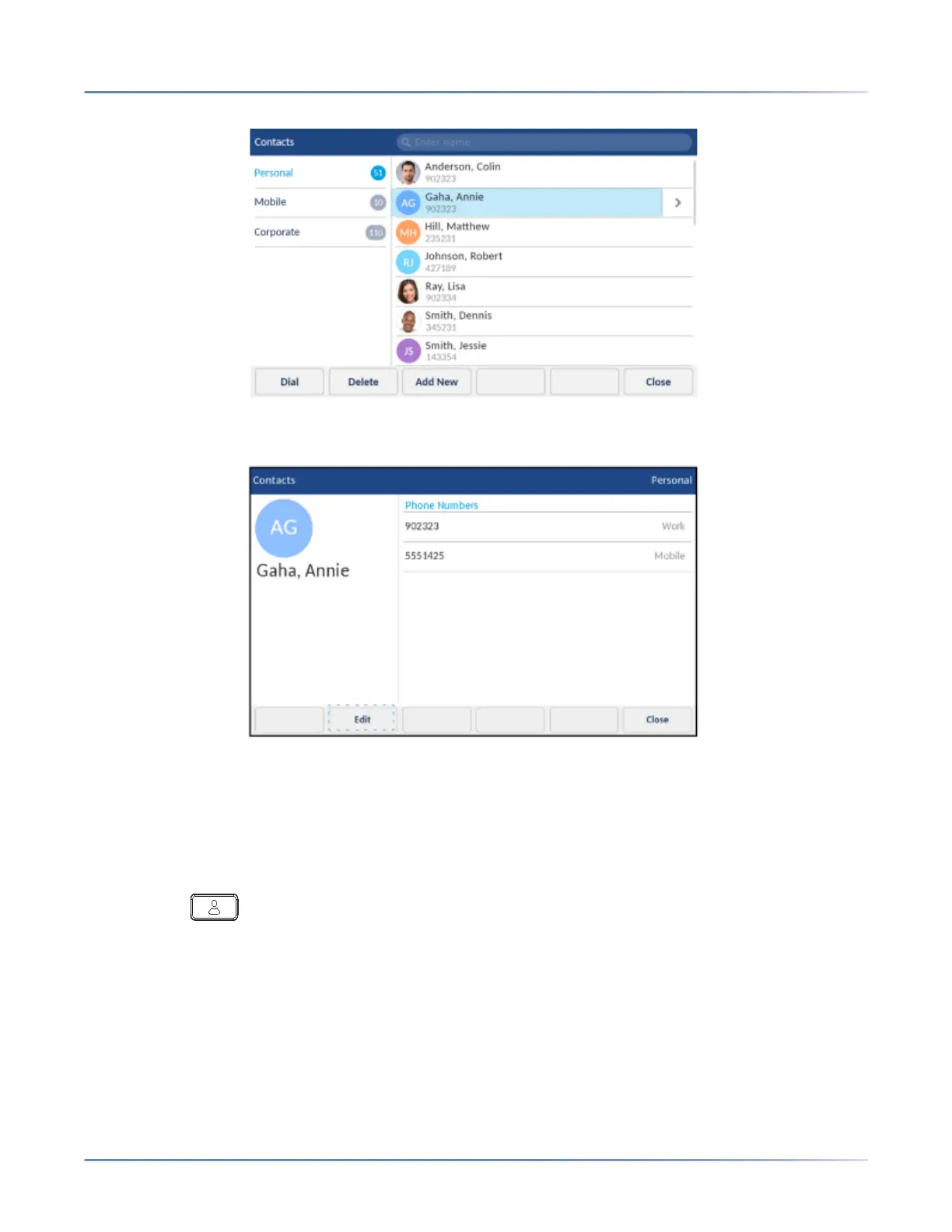
4. Press the right arrow button to view the contact card for the selected contact and tap the Edit softkey.
5. Tap to select the information you want change and edit using the on-screen keyboard and dialpad
keys.
6. Tap theSave softkey to save your changes.
Deleting all contacts from the Personal folder
1. Press the (Contacts) key.
2. Tap the Delete softkey.













 To Next Page