65
C
ONFIGURING AND USING PROGRAMMABLE KEYS OTHER FEATURES
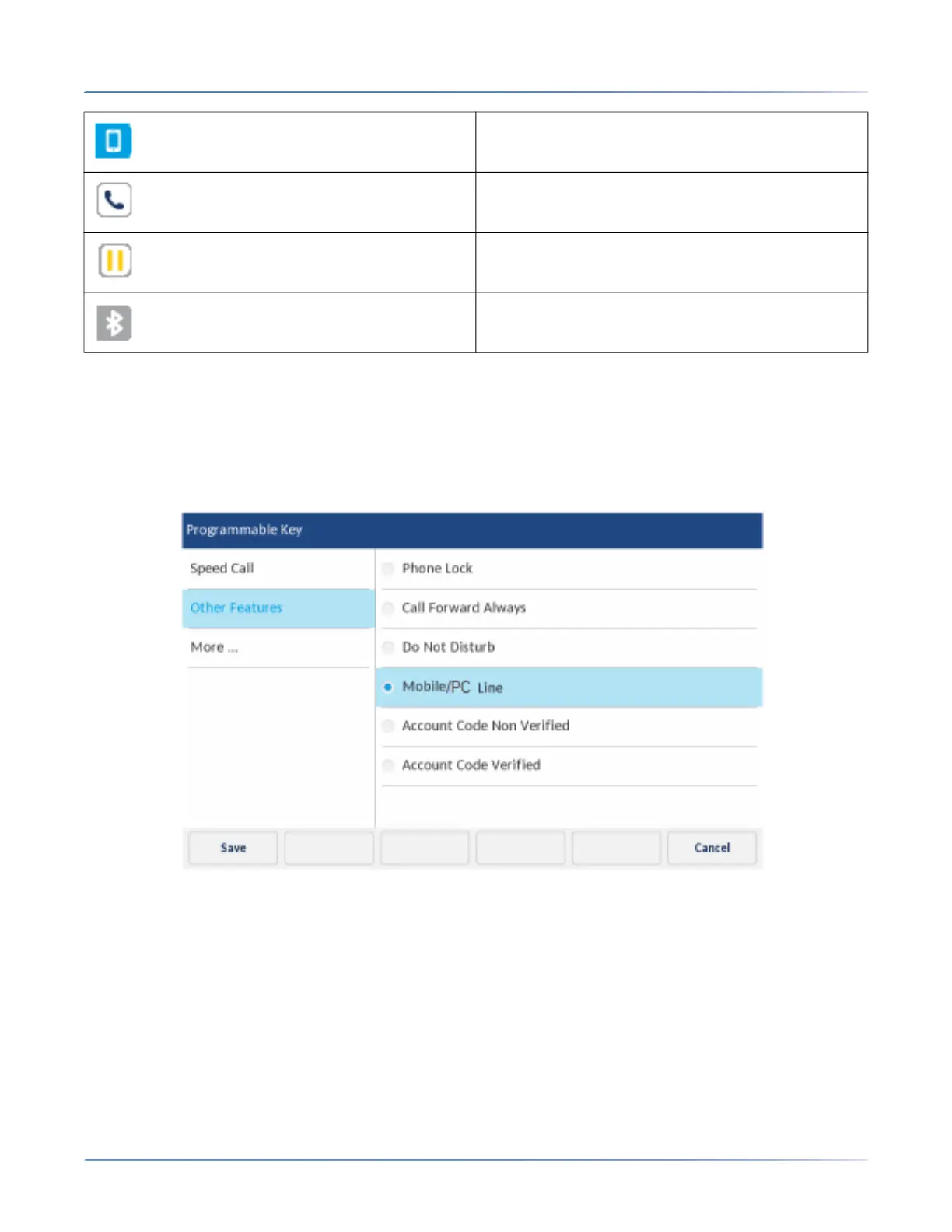
To program a Mobile/PC Line key:
NOTE: You can program only one Mobile/PC Line key.
1. Press and hold the applicable programmable key for the configured duration.
2. Tap Other Features.
3. Tap Mobile/PC Line.
4. Tap the Save softkey.
5. With Mobile/PC Line highlighted, press the Save softkey.
For more information on how to use the Mobile/PC Line key, see “MobileLink”.
Account codes
Accounts codes are an effective way of grouping calls together for accounting, auditing, and reporting
purposes. When you tag a call with an account code, the code is picked up in the records generated by
Indicates the mobile/PC line is busy.
(Blinking) Indicates an ongoing call with active
audio on the mobile phone.
(Blinking) Indicates the call on the mobile/PC line
is on hold.
Indicates the mobile phone is not connected.













 To Next Page