76
H
ANDLING CALLS CREATING A MULTI-PARTY CONFERENCE CALL
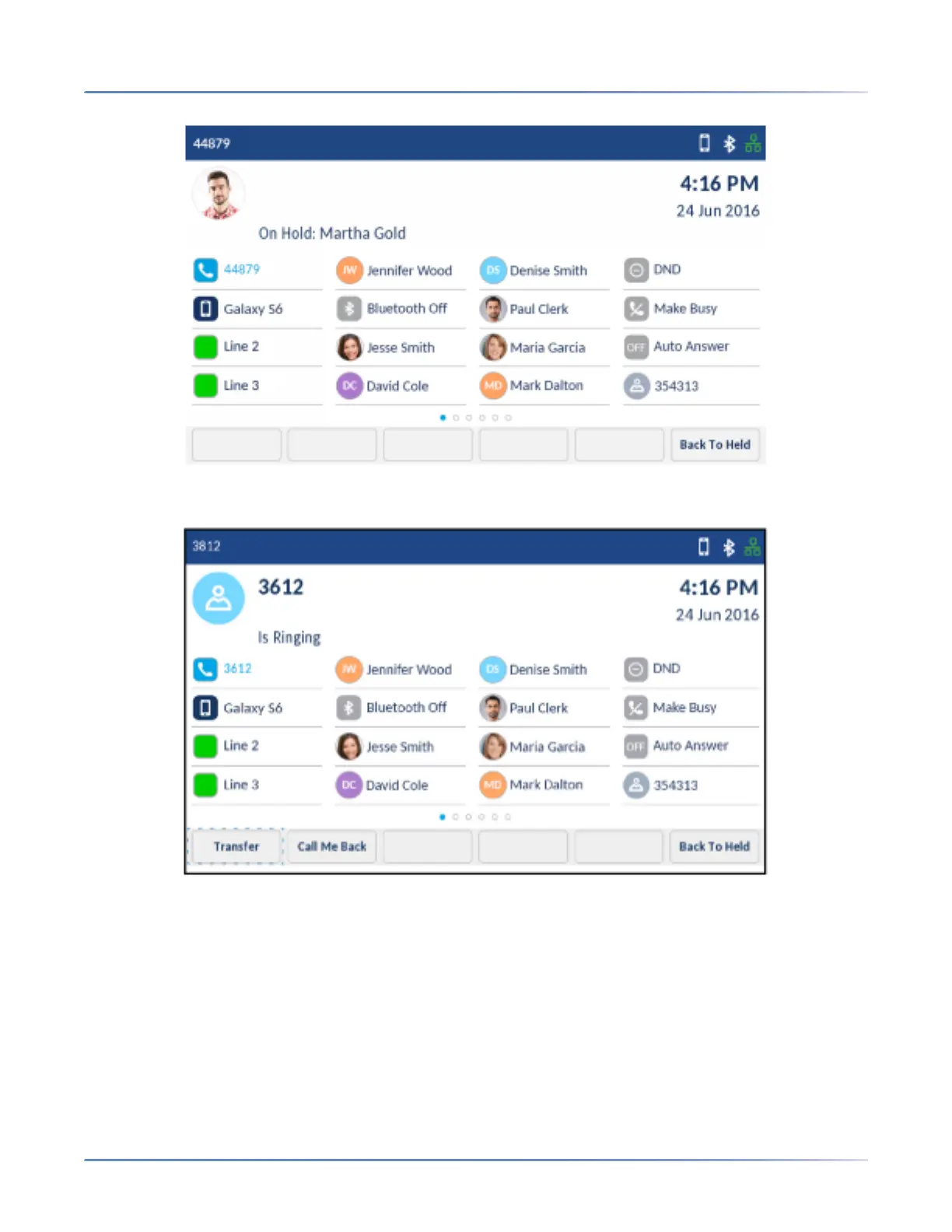
3. Enter the transfer recipient’s number.
4. Tap the Transfer softkey or hang up the handset to complete an unattended call transfer
or
Wait for an answer, consult, and then tap the Transfer softkey or hang up the handset to complete
an attended transfer.
Creating a multi-party conference call
The Mitel MiVoice 6940 IP phone supports multiples parties in a conference call.













 To Next Page