90
M
ANAGING CALLS CONTACTS
Deleting a contact from the Personal folder
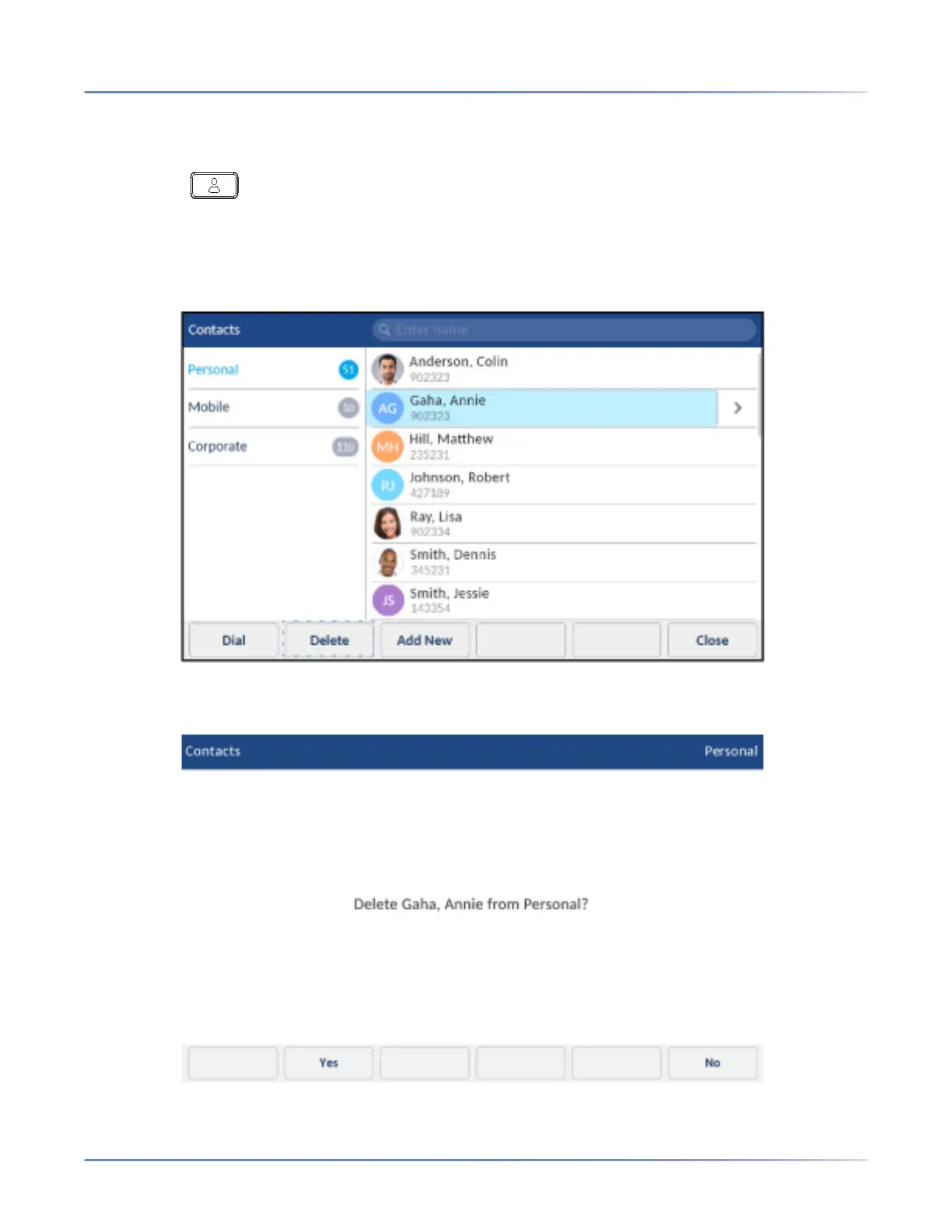
To delete contacts from your Personal folder:
1. Press the (Contacts) key.
2. (Optional) Tap the search bar, enter the first letters of the contact’s name, and tap the blue return
button to initialize the search function.
3. Tap to select the applicable contact and tap the Delete softkey.
A delete confirmation message appears on screen.













 To Next Page