37
C
USTOMIZING YOUR PHONE BLUETOOTH
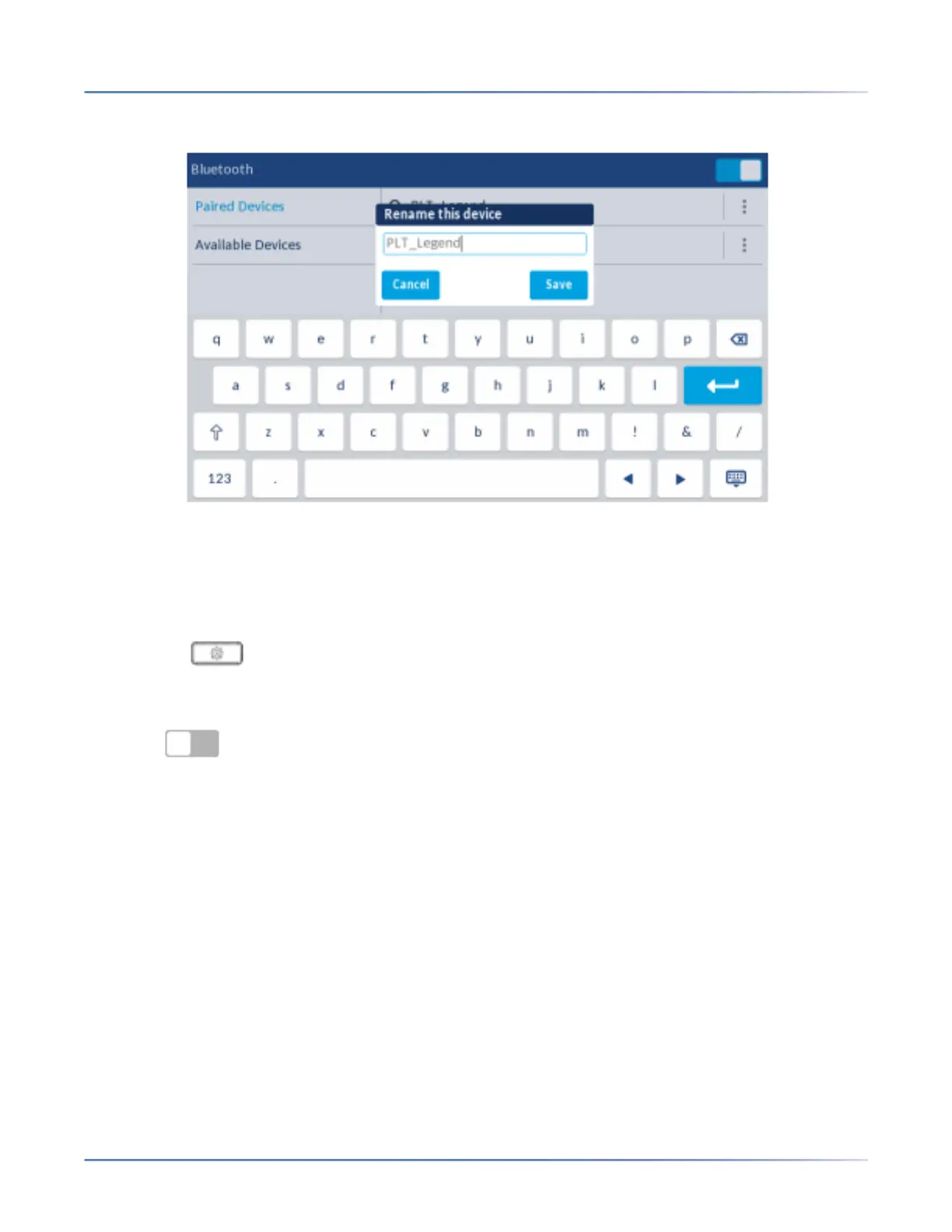
A pop up dialog appears allowing you edit the name of the Bluetooth device.
5. Edit the name of the device using the on-screen keyboard tap the Save softkey to save your changes.
Connecting to a different or disconnected Bluetooth device
To connect to a different or disconnected Bluetooth device:
1. Press the ( Settings) key on the phone to enter the Settings menu.
2. Tap the Bluetooth icon.
3. Ensure Bluetooth functionality is enabled. If it is not enabled, swipe the Bluetooth toggle
switch to the right to enable Bluetooth functionality.













 To Next Page